Train Your Own AI Video Template & Earn Real Money on Musebox

Train Your Own AI Video Template & Earn Real Money on Musebox
Musebox just launched custom template training — and it changes everything. Instead of only using pre-built templates, you can now train your own AI video model from scratch, publish it to the platform, and earn credits every time someone uses it.
This guide covers the full process: how training works, what you need to prepare, step-by-step walkthrough, and how the earning system works.
Why Train Your Own Template?
Most AI video platforms give you a fixed set of templates. Musebox flips that — anyone can become a template creator. Here's why you should care:
- Passive income — Every time another user generates a video with your template, you earn credits
- Creative control — Train exactly the motion, style, or action you want
- Permanent asset — Your trained model is saved forever to your account
- First-mover advantage — Early creators with high-quality templates dominate the leaderboard
How Much Can You Earn?
Template earnings work on a tiered system based on how long your template has been live:
| Time Period | Earnings Per Generation |
|---|---|
| Days 1–30 | 3 credits |
| Days 31–60 | 2 credits |
| Day 61+ | 1 credit |
Withdrawal rate: 150 credits = $1 USD (USDT on Solana). Minimum withdrawal: $100 USD.
A popular template generating 100 uses per day earns 300 credits/day in the first month — that's $2/day or ~$60/month from a single template. Scale to 5+ popular templates and the numbers get interesting fast.
> VIP Creator Program: Creators with 10+ high-quality live templates get access to higher earning rates.
Training Pricing
| | Credits | Approximate USD |
|---|---|---|
| First training | 300 credits | ~$6.60 |
| Subsequent trainings | 900 credits | ~$19.80 |
Your first training is 67% off — essentially a trial run to learn the system. After that, each training costs 900 credits.
What You Need Before Starting
Before you hit "Start Training", prepare your dataset:
Video Requirements
- 10–20 short clips (3–5 seconds each)
- Same subject and motion across all clips — consistency is king
- Minimum 360p resolution (720p+ recommended)
- Good, consistent lighting across all clips
- Accepted formats: MP4, WebM, MOV
- Max file size: 50 MB per file
What Makes Good Training Data
Good example: 15 clips of the same person performing the same motion from a similar angle, each 3–5 seconds, well-lit, 720p+.
Bad example: 3 clips of different people doing different things, blurry, varying lighting, some 30 seconds long with unrelated segments.
> Pro tip: Quality over quantity. 10 perfect clips beat 20 mediocre ones every time.
Step-by-Step: Training Your First Template
We've built a detailed visual tutorial with screenshots for every step. Here's the quick version:
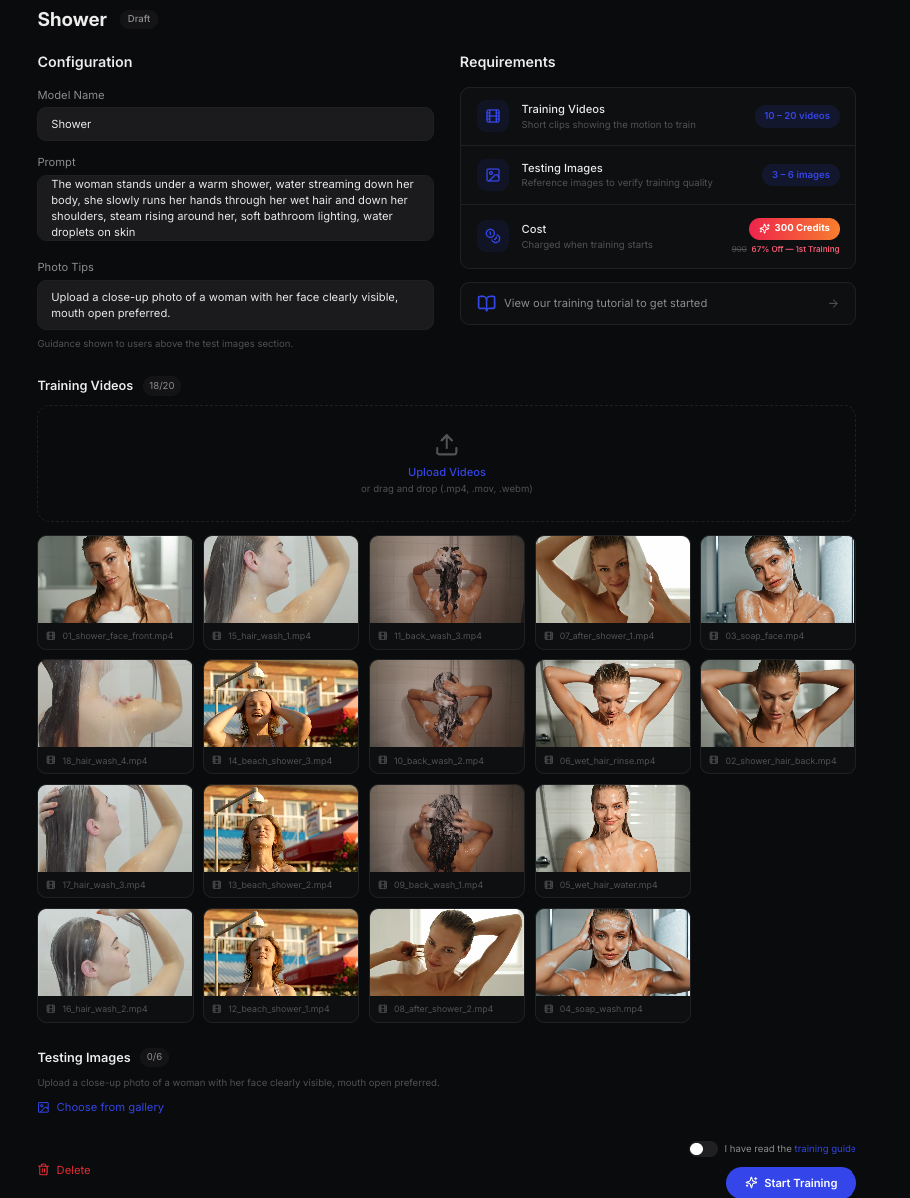
Step 1: Create a Training
Go to musebox.ai/train and click + New Template. Give your model a name.
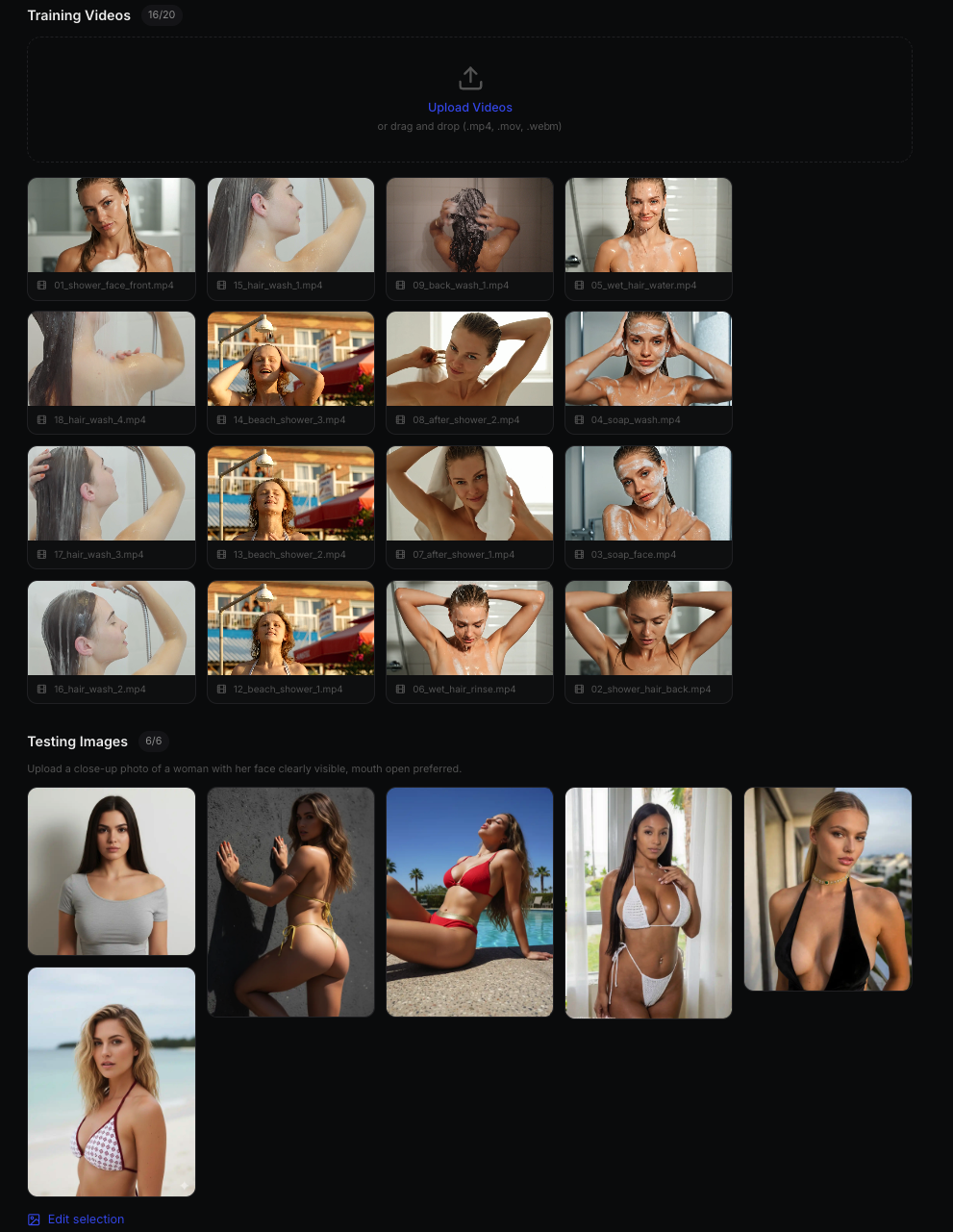
Step 2: Upload Videos & Choose Images
Click Upload Videos to add your 10–20 clips. Then click Choose Images to select 3–6 testing images from the gallery — these are used during training to validate quality.
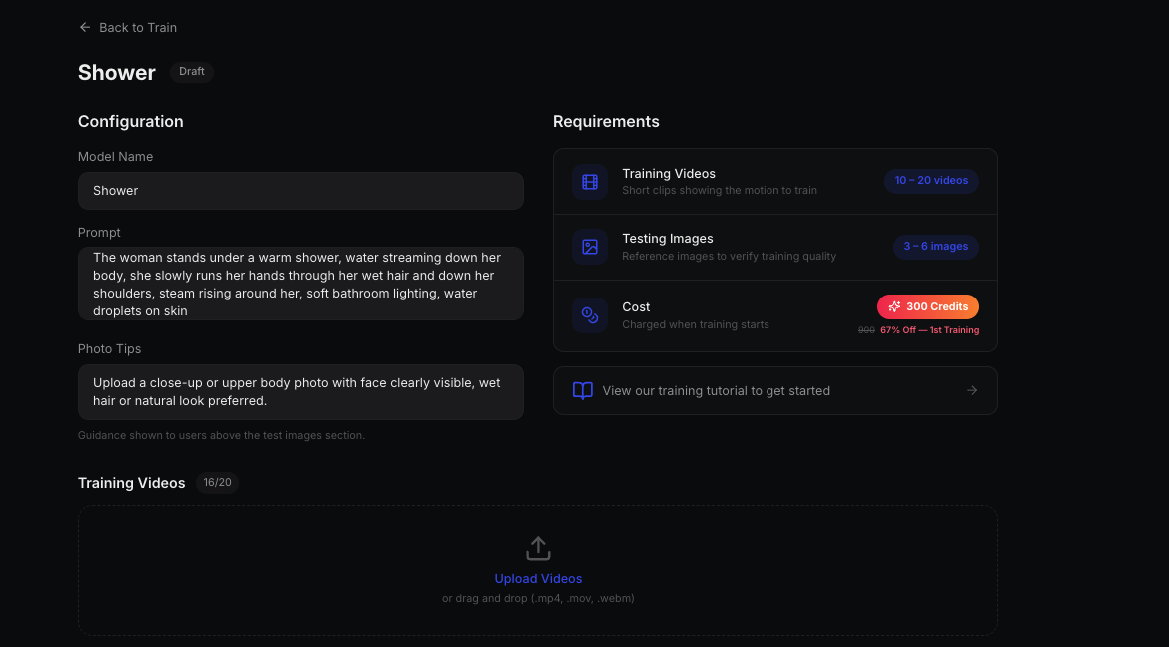
Step 3: Configure Your Prompt
Write a clear prompt describing the content and style you want the model to learn. A good prompt helps the AI understand your intent and produces better results.
Step 4: Start Training
Hit Start Training. The system takes over from here. Training typically takes 30–90 minutes depending on the number of videos.
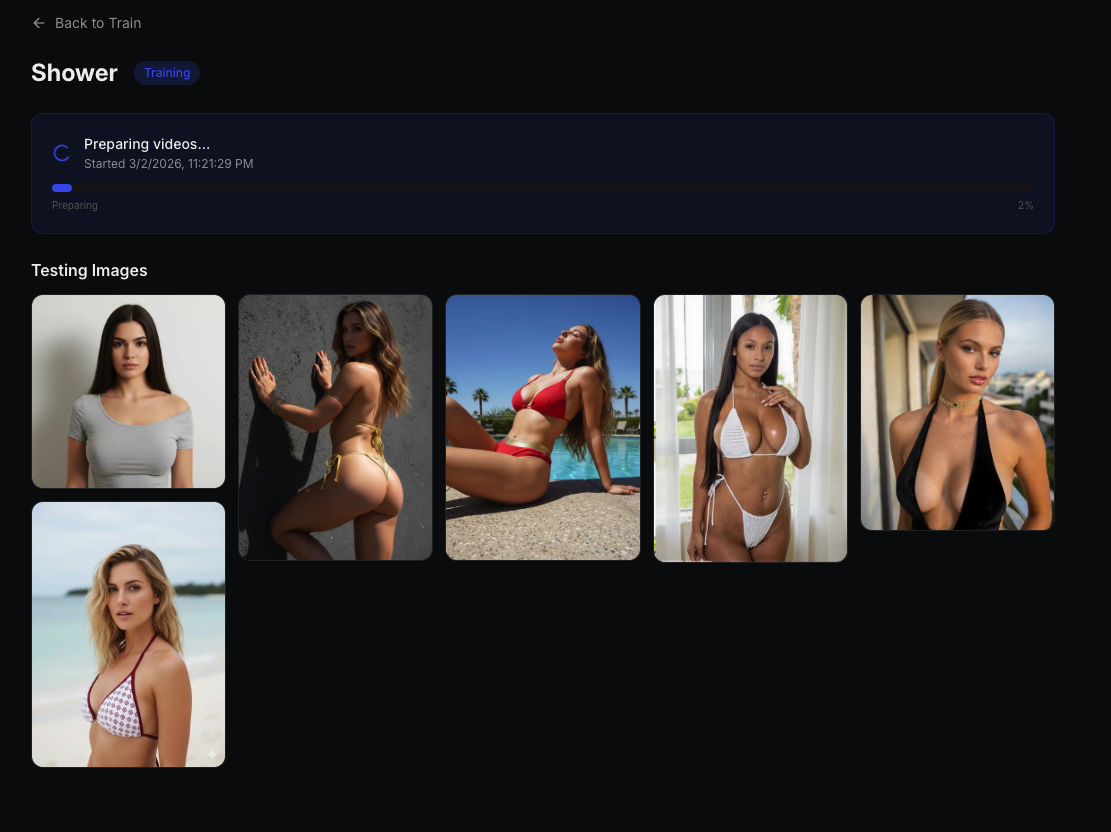
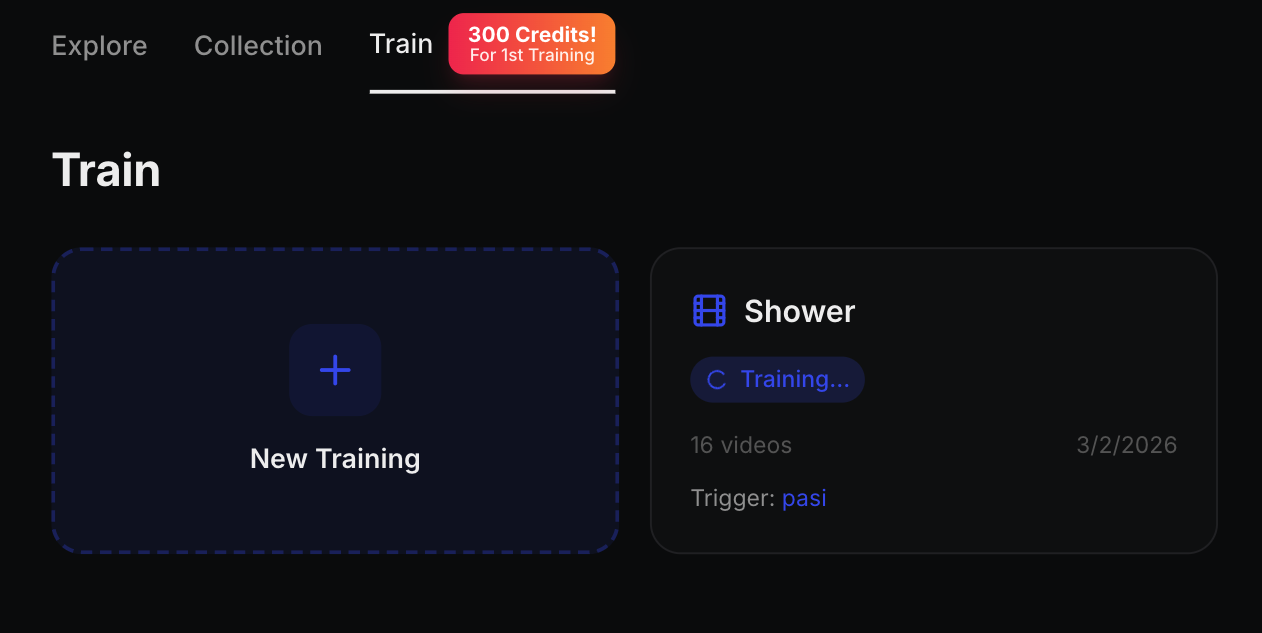
Step 5: Training In Progress
You'll see a progress indicator. You can safely close the page — training continues in the background. Come back anytime to check status.
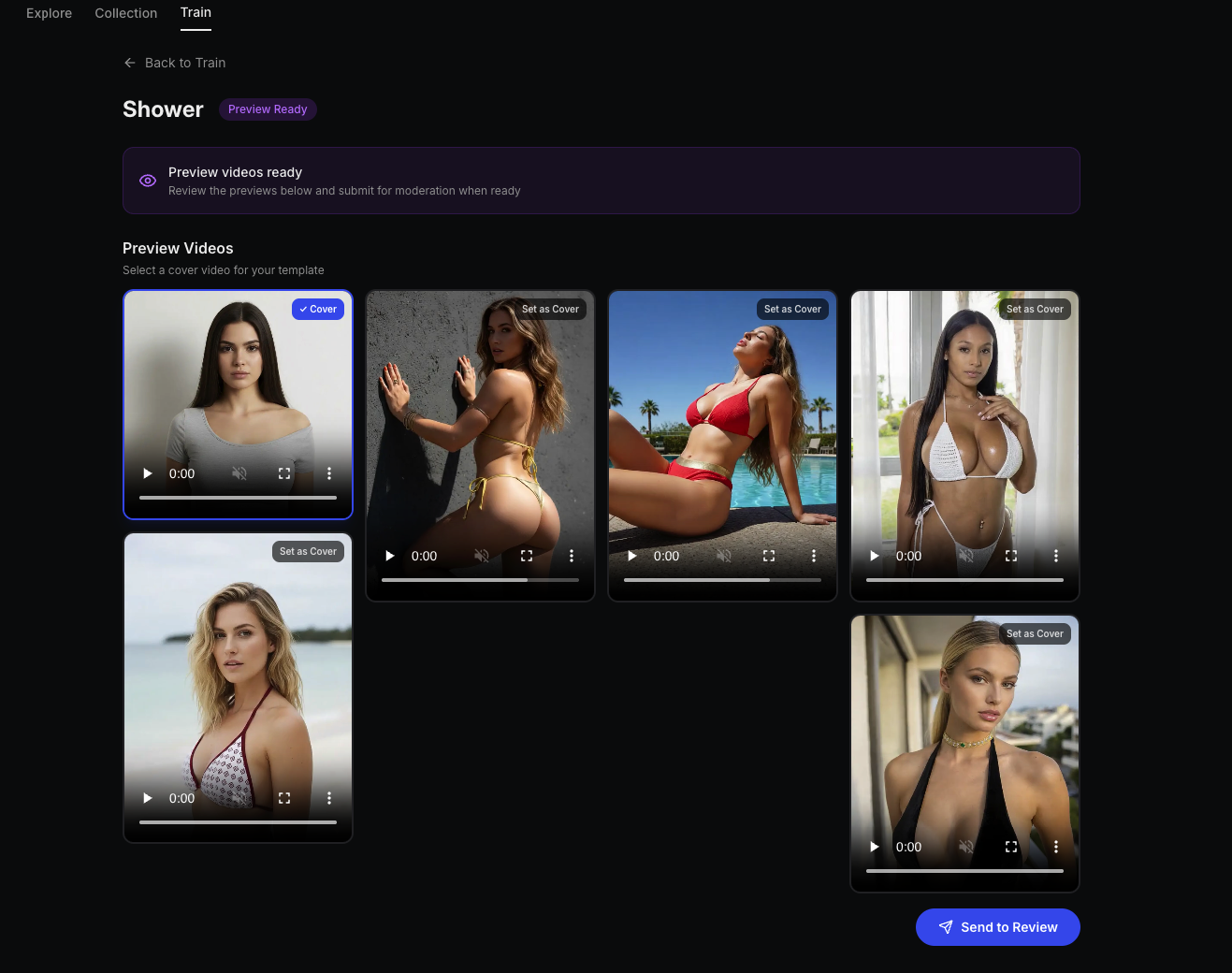
Step 6: Review Results & Submit
Once training completes, preview videos are generated automatically. Review the quality — if you're happy, click Set Cover to choose a cover image, then hit Submit for Review.
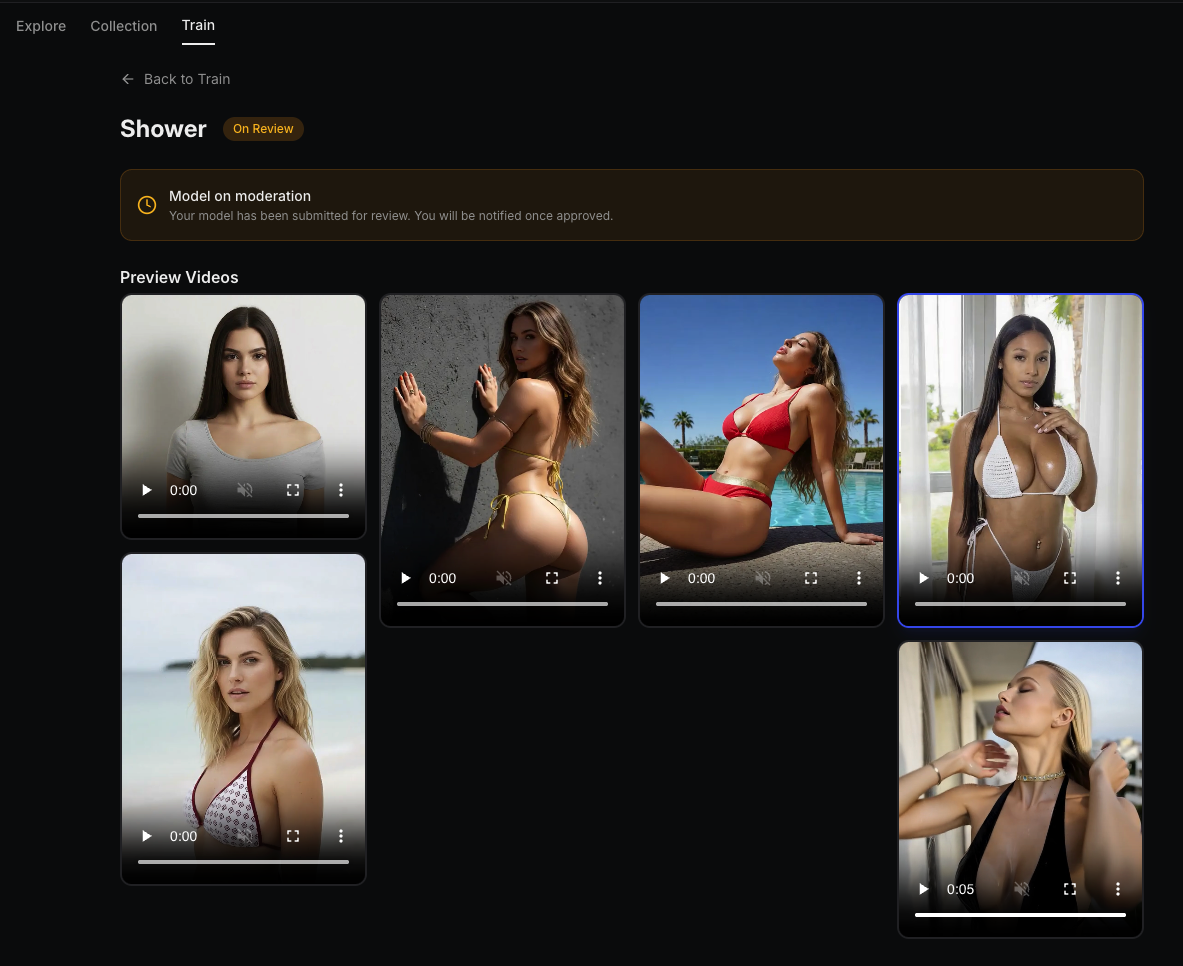
Step 7: Moderation
Your template enters a fast review process — typically completed within one day. We check for quality and compliance.
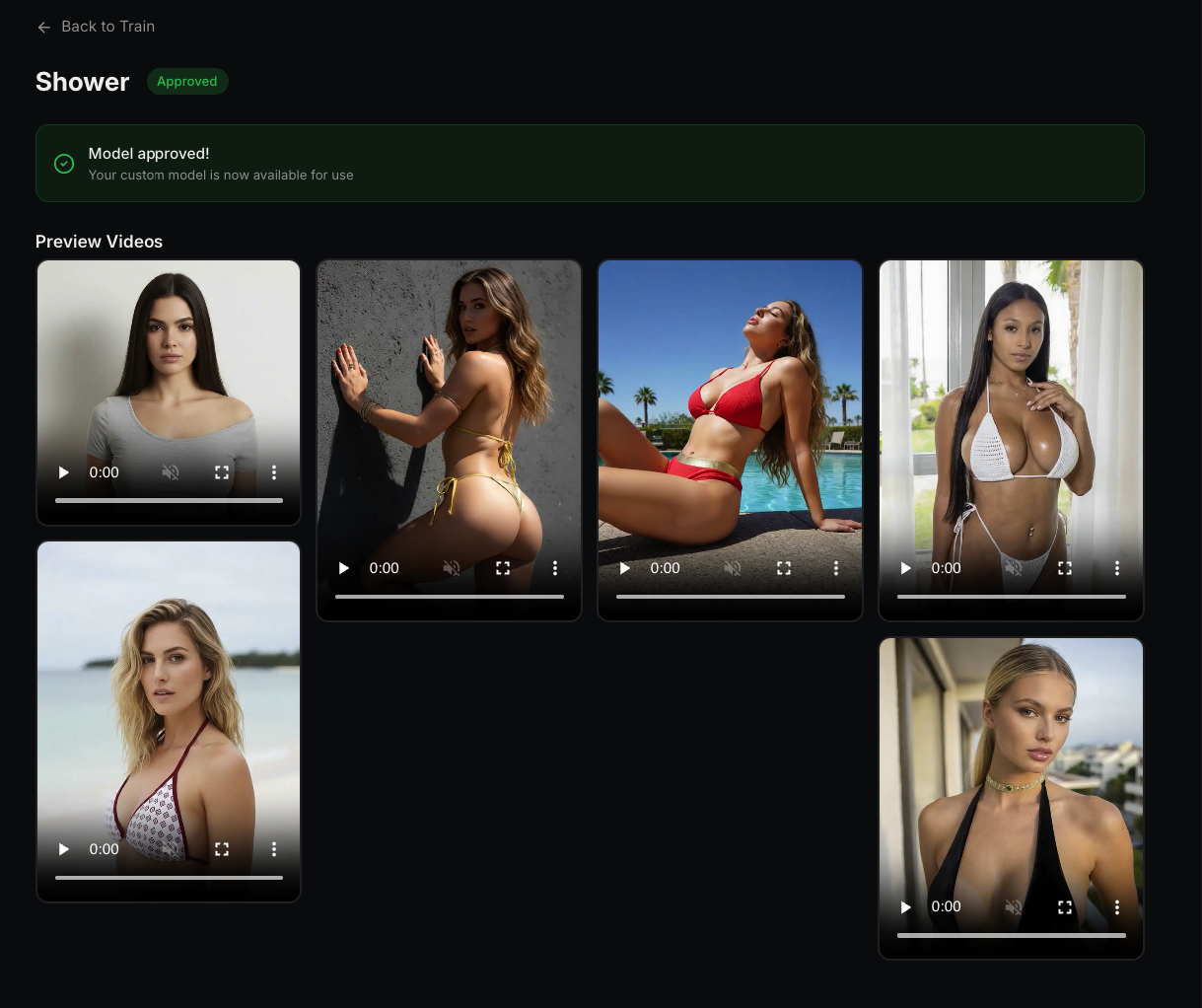
Step 8: Approved & Live
Once approved, your template goes live on the platform. You'll see the Approved status — and your earning clock starts ticking.
Example Training Results
Here's what a trained template looks like in action — these videos were generated from uploaded training clips:
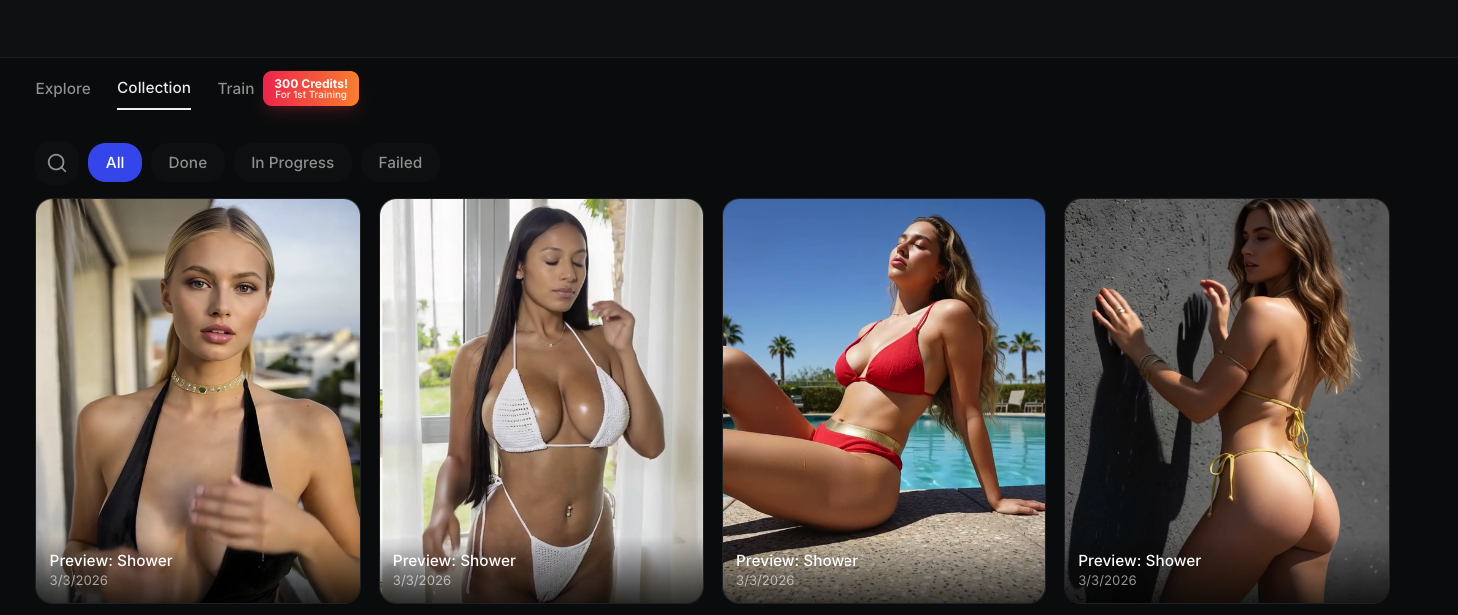
The model learns the motion pattern from your clips and can then apply it to any input photo. The more consistent your training data, the better the output quality.
Tips for Maximum Quality
Before Training
After Training
How the Earning Pipeline Works
You Train → Submit → Approved → Users Generate → You Earn Credits → Withdraw as USDT
It's a genuine passive income machine — once your template is live, you earn while you sleep.
Frequently Asked Questions
How many videos do I need?
We recommend 10–20 videos of 3–5 seconds each. Quality matters more than quantity.
What format should the videos be?
MP4, WebM, or MOV. Each file should be under 50 MB.
How long does training take?
30–90 minutes depending on the number of videos. You can close the browser — we'll notify you.
Can I retrain if results aren't good?
Yes. Create a new training with improved videos. Review the tips above to improve your dataset.
What are testing images for?
They validate the model during training, ensuring it generalizes well rather than memorizing training data.
When do I start earning?
As soon as your template is approved and another user generates with it.
Start Now
Your first training is 67% off — just 300 credits. There's never been a better time to become a template creator.
Start Training → | Read the Visual Tutorial →
Follow us for creator tips and platform updates: