FLUX.1 Dev NSFW Workflows for ComfyUI — Pose Control + Face Preservation

What's Included
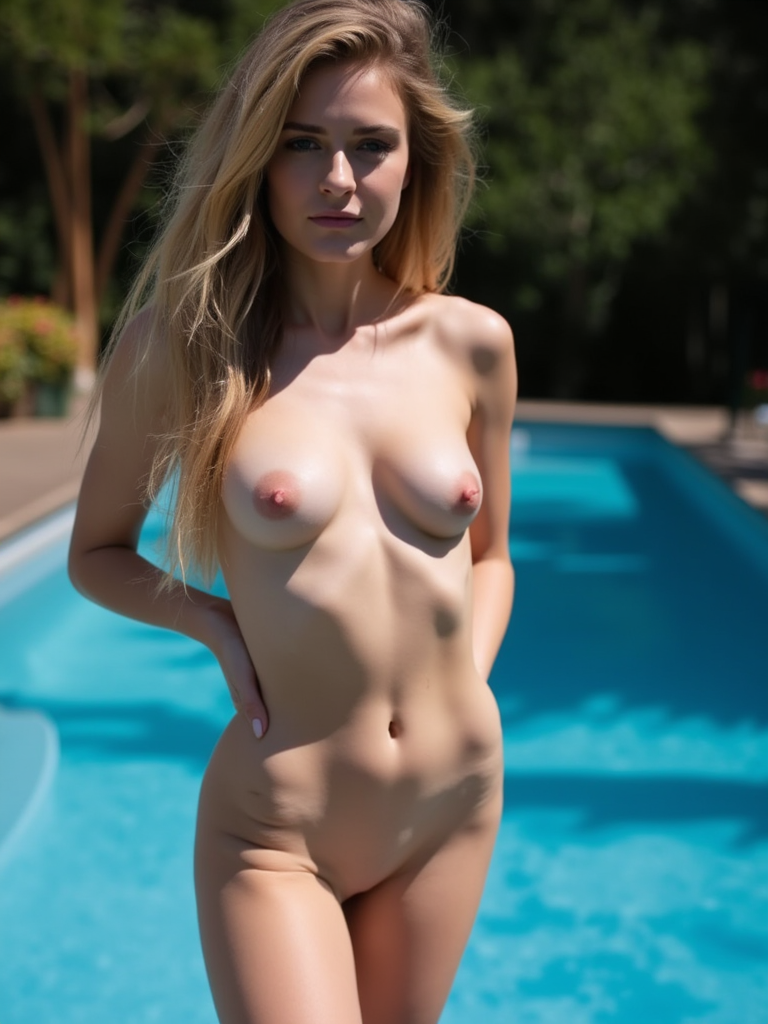
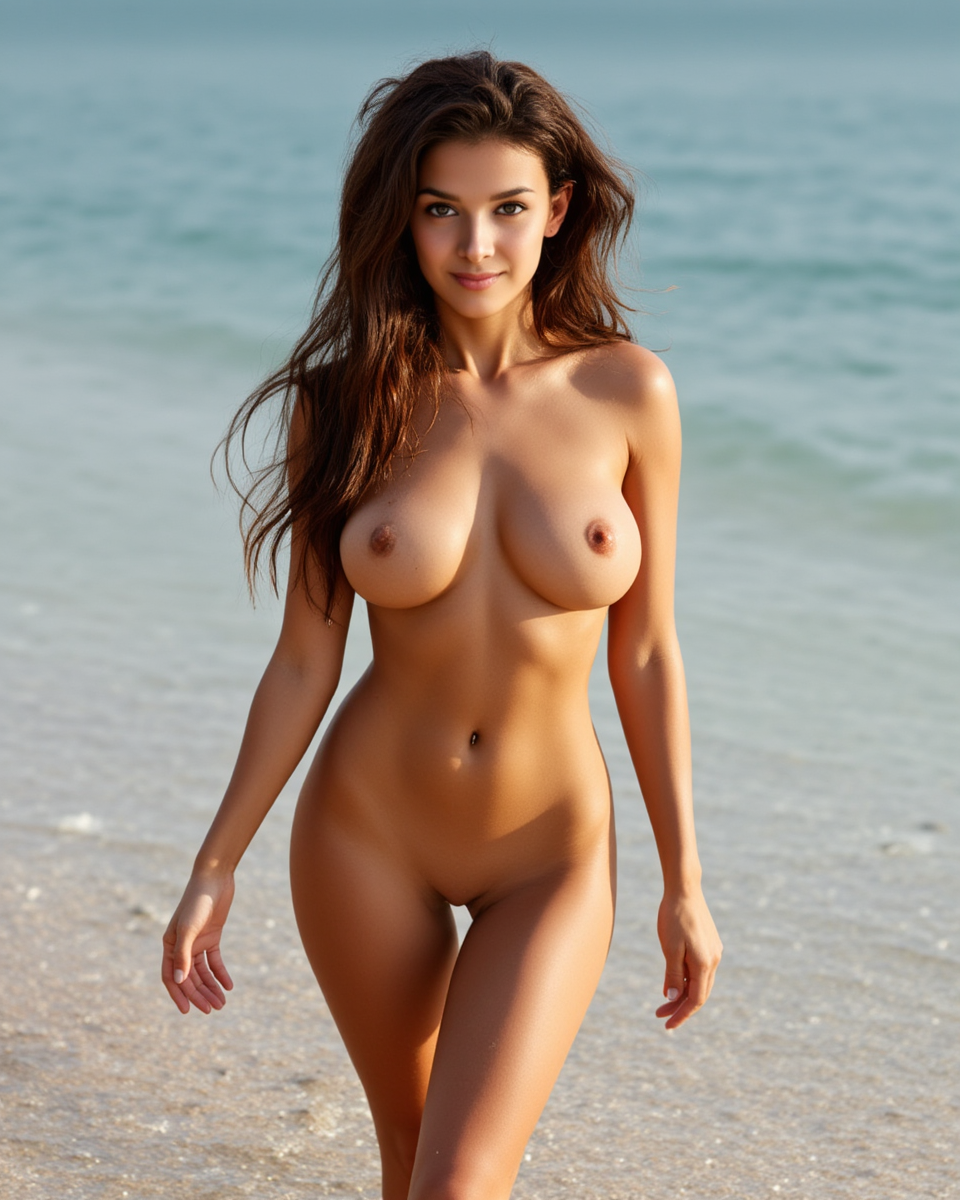
We're sharing our production ComfyUI workflows for NSFW image generation using FLUX.1 Dev. These are the exact same workflows we use internally at Musebox AI.
Download the workflow files:
- DRAG_ME_v2.json — Simple workflow: txt2img + ControlNet pose
- DRAG_ME_combined_pulid_controlnet.json — Advanced workflow: img2img + PuLID face + ControlNet pose
Just drag the JSON file into your ComfyUI canvas to load it.
Required Models
Base Models
| Model | File | Location |
|-------|------|----------|
| FLUX.1 Dev (fp8) | flux1-dev-fp8.safetensors | models/unet/ |
| CLIP-L | clip_l.safetensors | models/clip/ |
| T5-XXL (fp8) | t5xxl_fp8_e4m3fn_scaled.safetensors | models/clip/ |
| VAE | ae.safetensors | models/vae/ |
LoRA
- Flux Uncensored V2:
Flux_Uncensored_V2.safetensors→models/loras/ - Trigger words:
nsfw, nude, naked, erotic, explicit, sensual
ControlNet
- ControlNet Union Pro 2.0:
flux-controlnet-union-pro-2.0.safetensors→models/controlnet/
PuLID (Advanced Workflow Only)
- PuLID FLUX:
pulid_flux_v0.9.1.safetensors→models/pulid/ - InsightFace (antelopev2):
antelopev2/*.onnx→models/insightface/models/antelopev2/
Required Custom Nodes
Install via ComfyUI Manager or clone manually:
- ComfyUI-Advanced-ControlNet (both workflows)
- comfyui_controlnet_aux (both workflows)
- ComfyUI_PuLID_Flux_ll v1.1.4+ (advanced workflow only)
Workflow 1: Simple (txt2img + Pose Control)
Text-to-image generation with controllable body positioning. Feed it a pose reference photo — the workflow extracts the pose via OpenPose and uses ControlNet Union Pro 2.0 to guide FLUX.1 Dev generation.
Key Settings
| Parameter | Value | Range |
|-----------|-------|-------|
| Resolution | 768×1024 (portrait) | 1024×768 for landscape |
| Steps | 30 | 20 for drafts |
| CFG | 1.0 | — |
| Flux Guidance | 3.5 | 2.5–4.0 |
| Sampler | euler | — |
| Scheduler | simple | — |
| Denoise | 1.0 | Full generation |
| ControlNet Strength | 0.5 | 0.3–0.7 |
When to Use
- You have a pose reference and want to generate a completely new person
- Quick NSFW generation with controllable body positioning
- No need for face preservation
Workflow 2: Advanced (img2img + PuLID Face + Pose Control)
Image-to-image transformation that preserves the face from an input photo while applying a new pose and generating NSFW content. This is the workflow we use for our AI undress feature.
Two Inputs Required
Key Settings
| Parameter | Value | Range |
|-----------|-------|-------|
| Steps | 30 | 20–30 |
| CFG | 1.0 | — |
| Flux Guidance | 3.5 | 2.5–4.0 |
| Sampler | euler | — |
| Scheduler | simple | — |
| Denoise | 0.90 | 0.75–0.95 |
| ControlNet Strength | 0.5 | 0.3–0.7 |
| PuLID Weight | 1.0 | 0.7–1.0 |
> 0.90 denoise allows the LoRA to fully transform clothing while ControlNet adjusts the pose. PuLID locks onto the face from the clothed photo.
Results Gallery
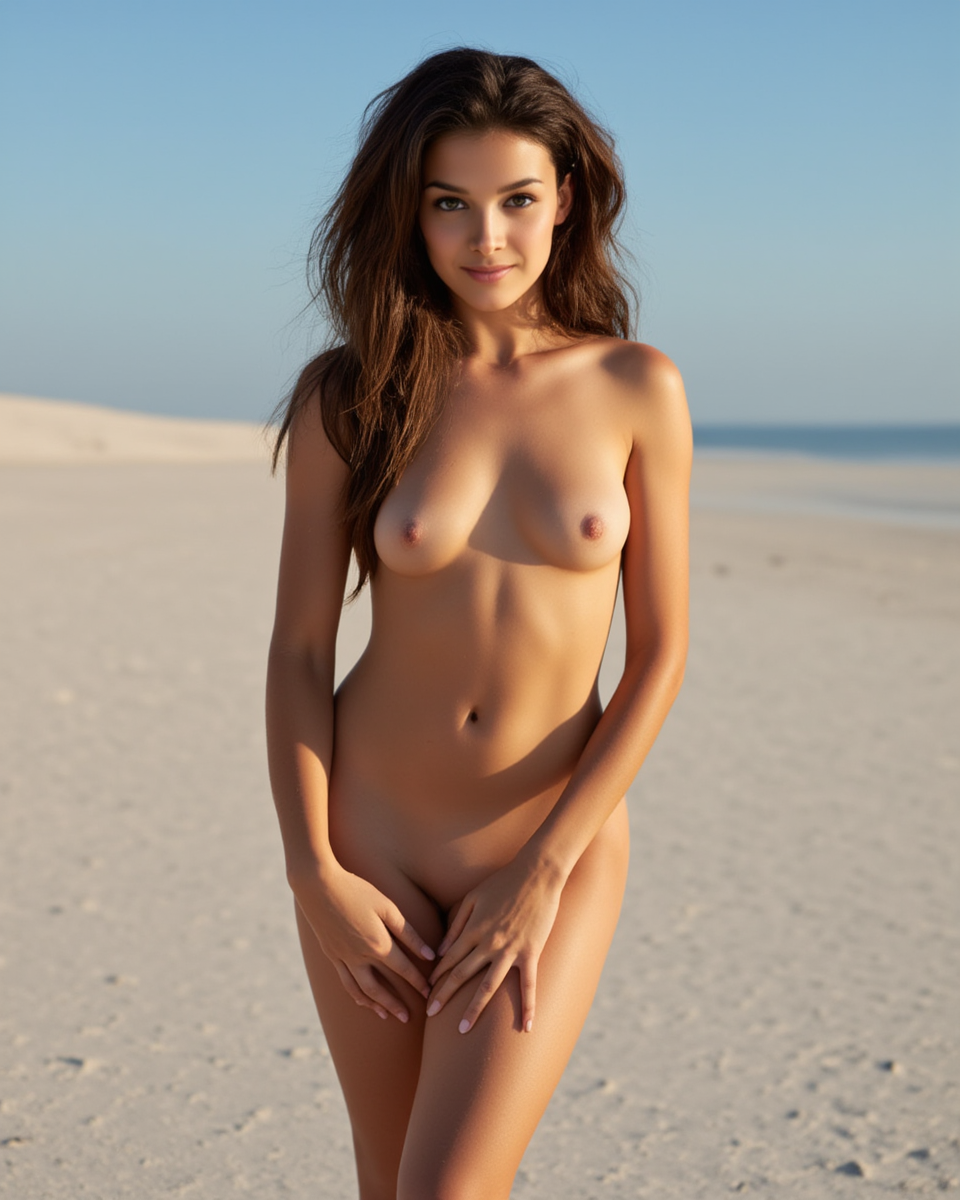
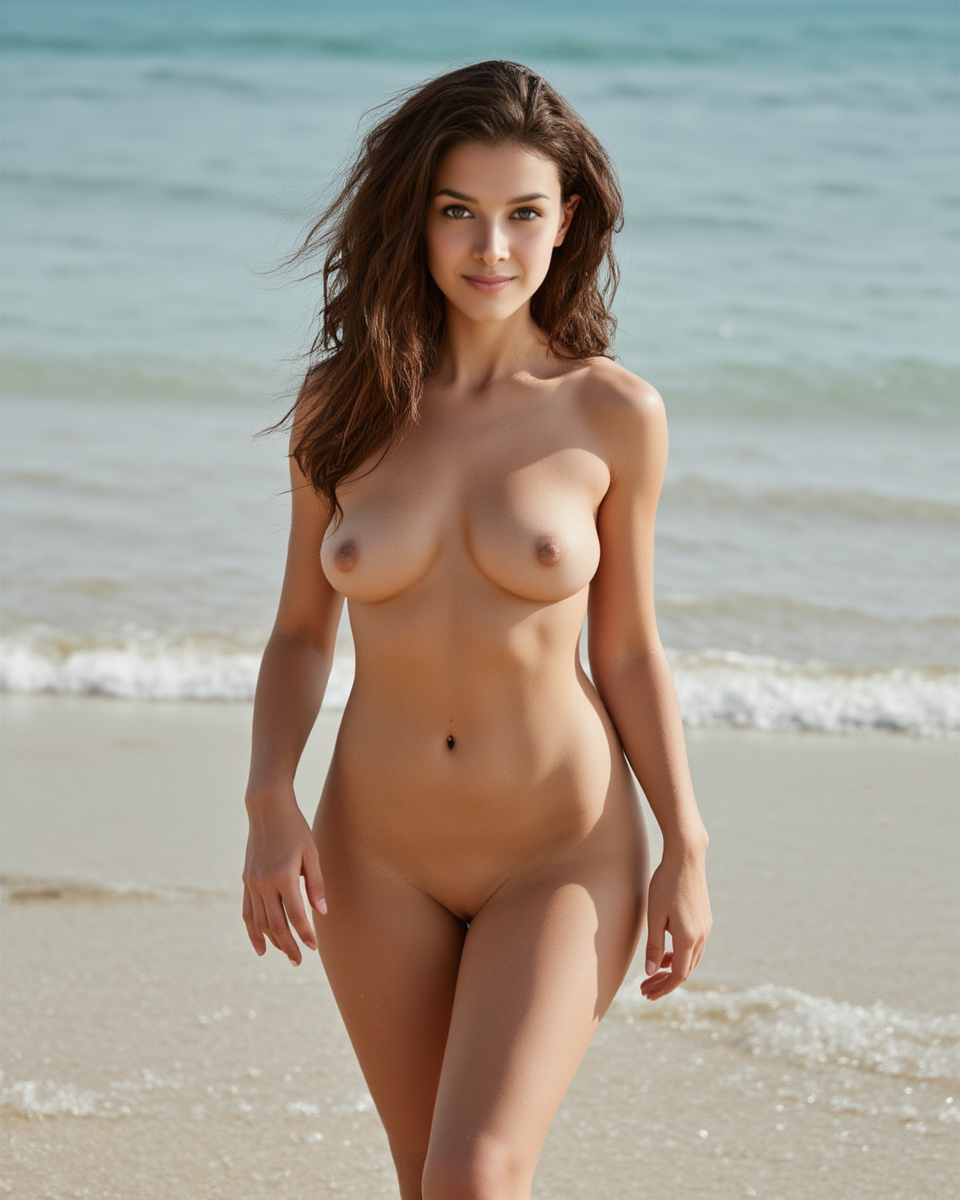
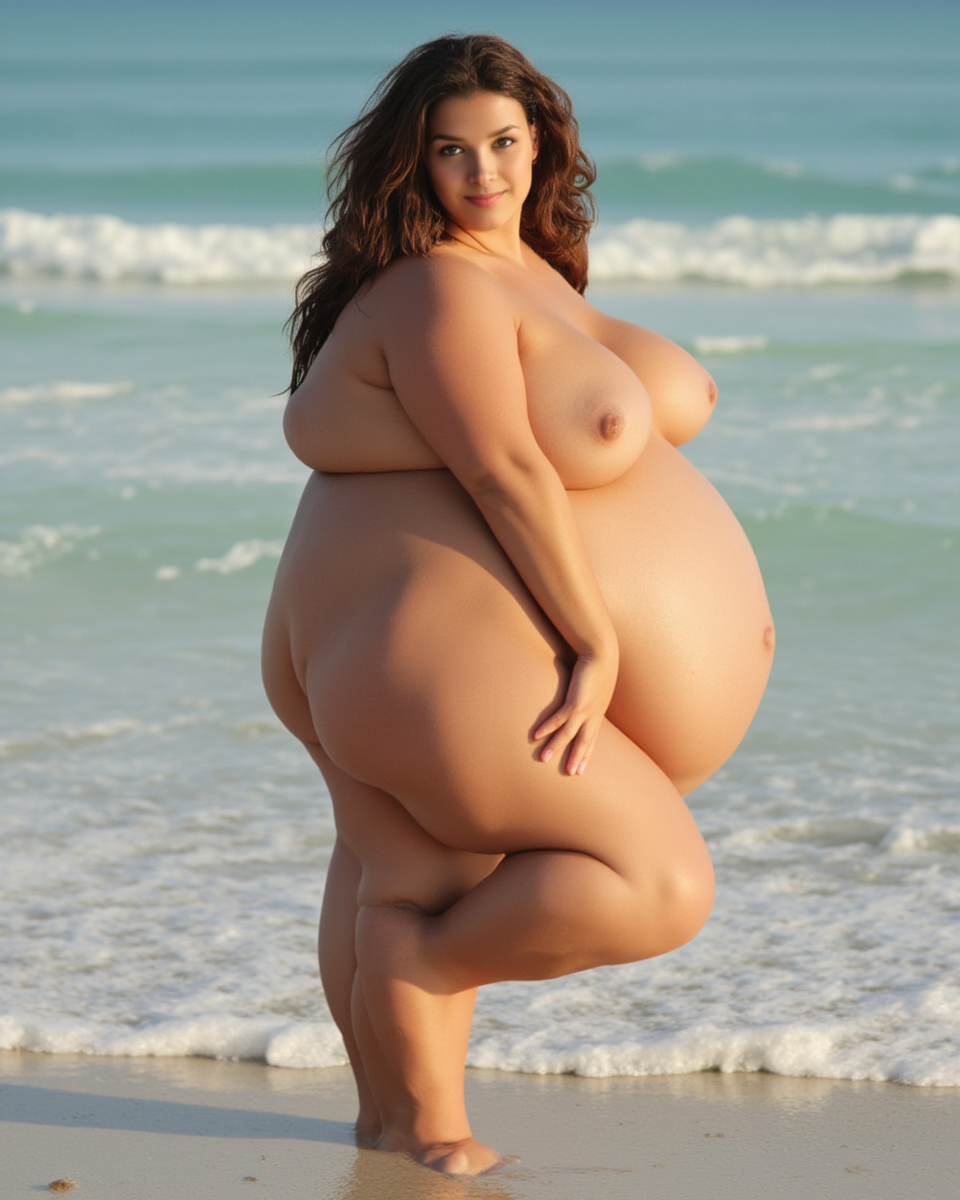
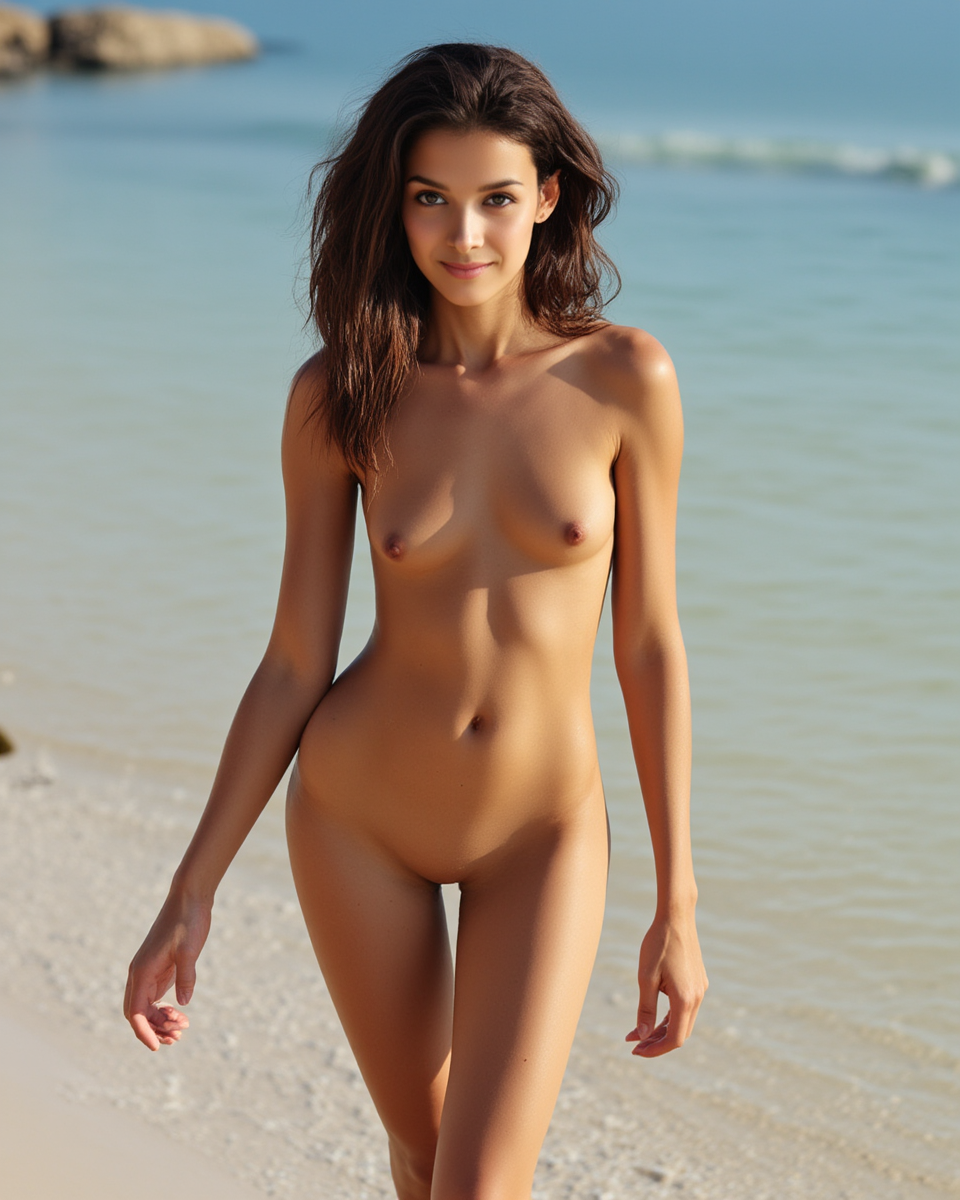
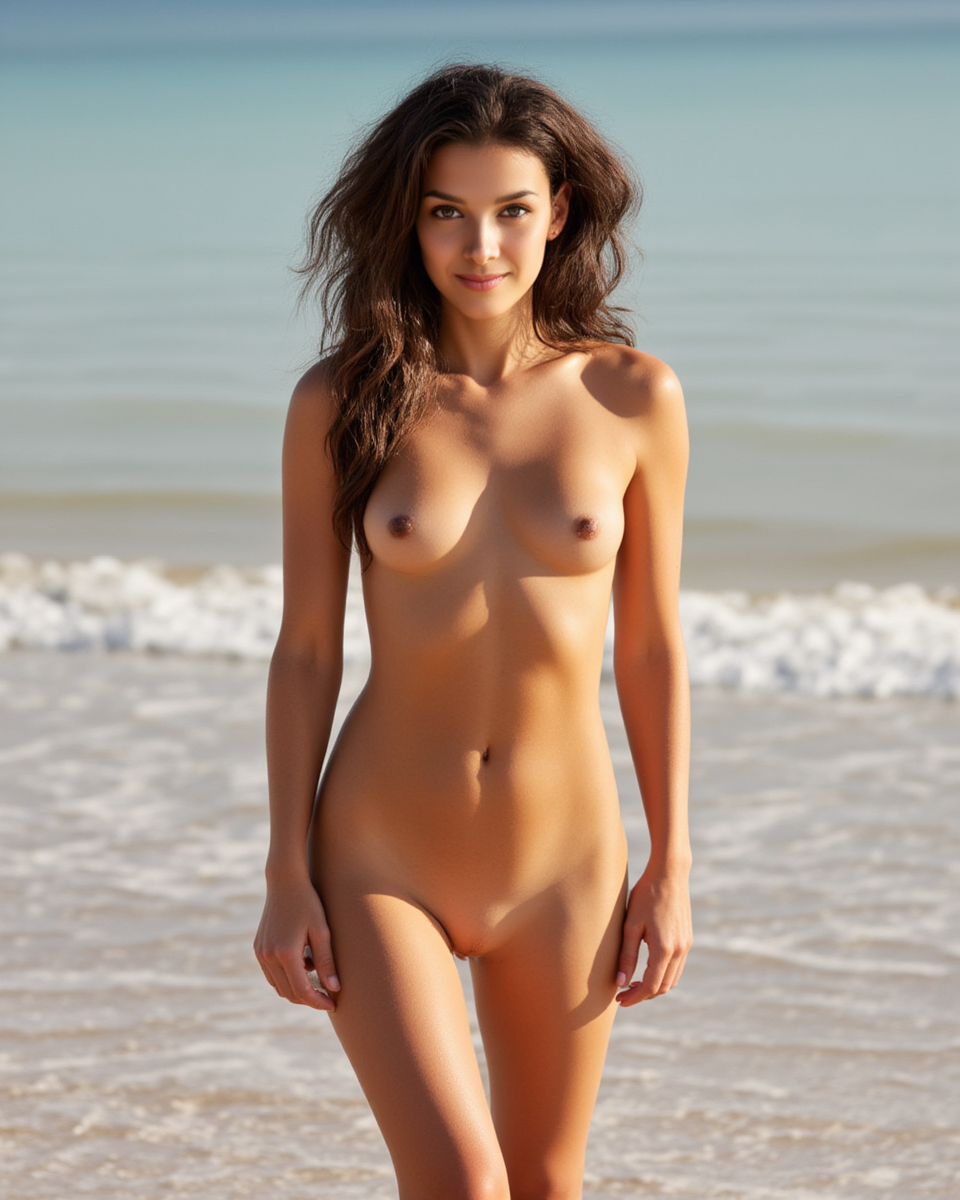
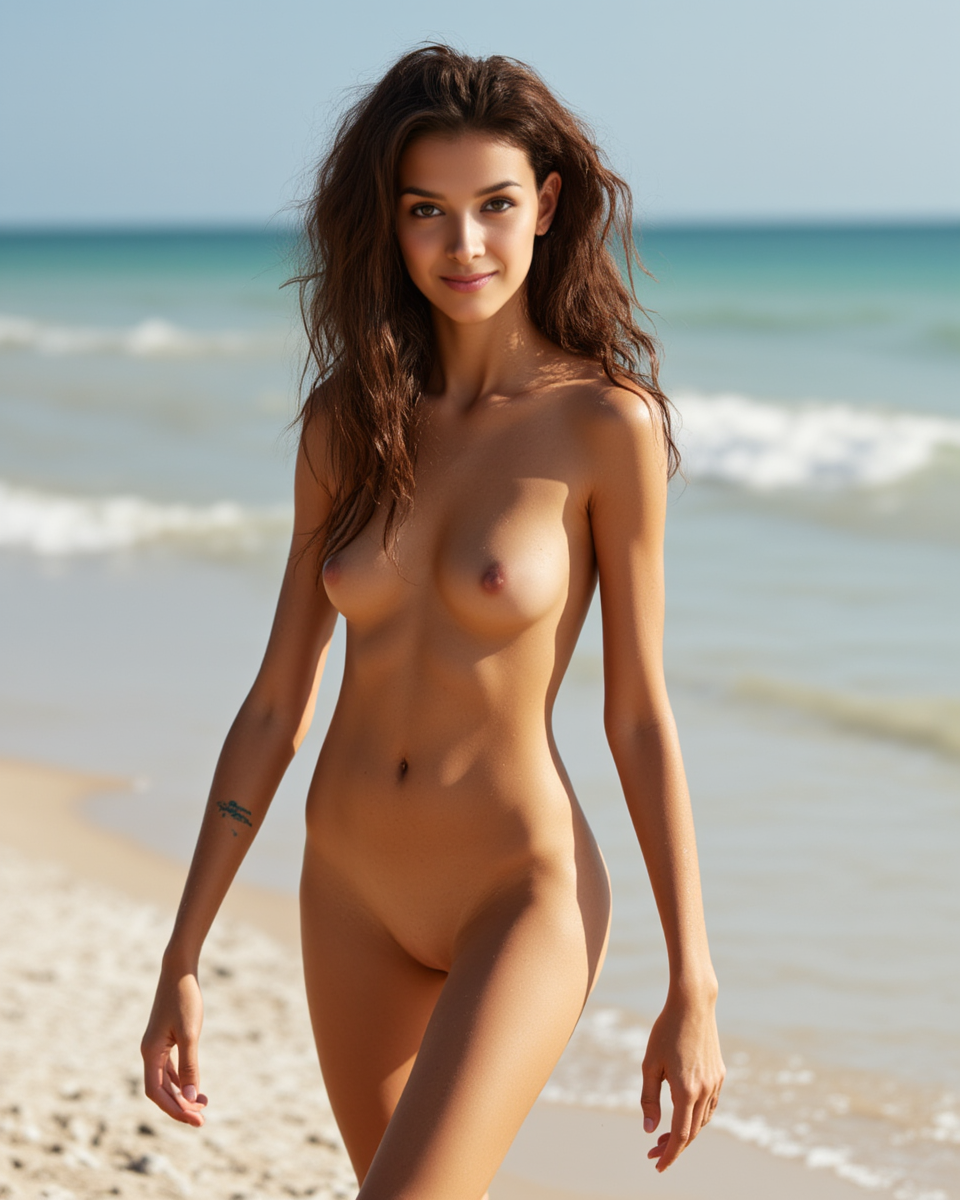
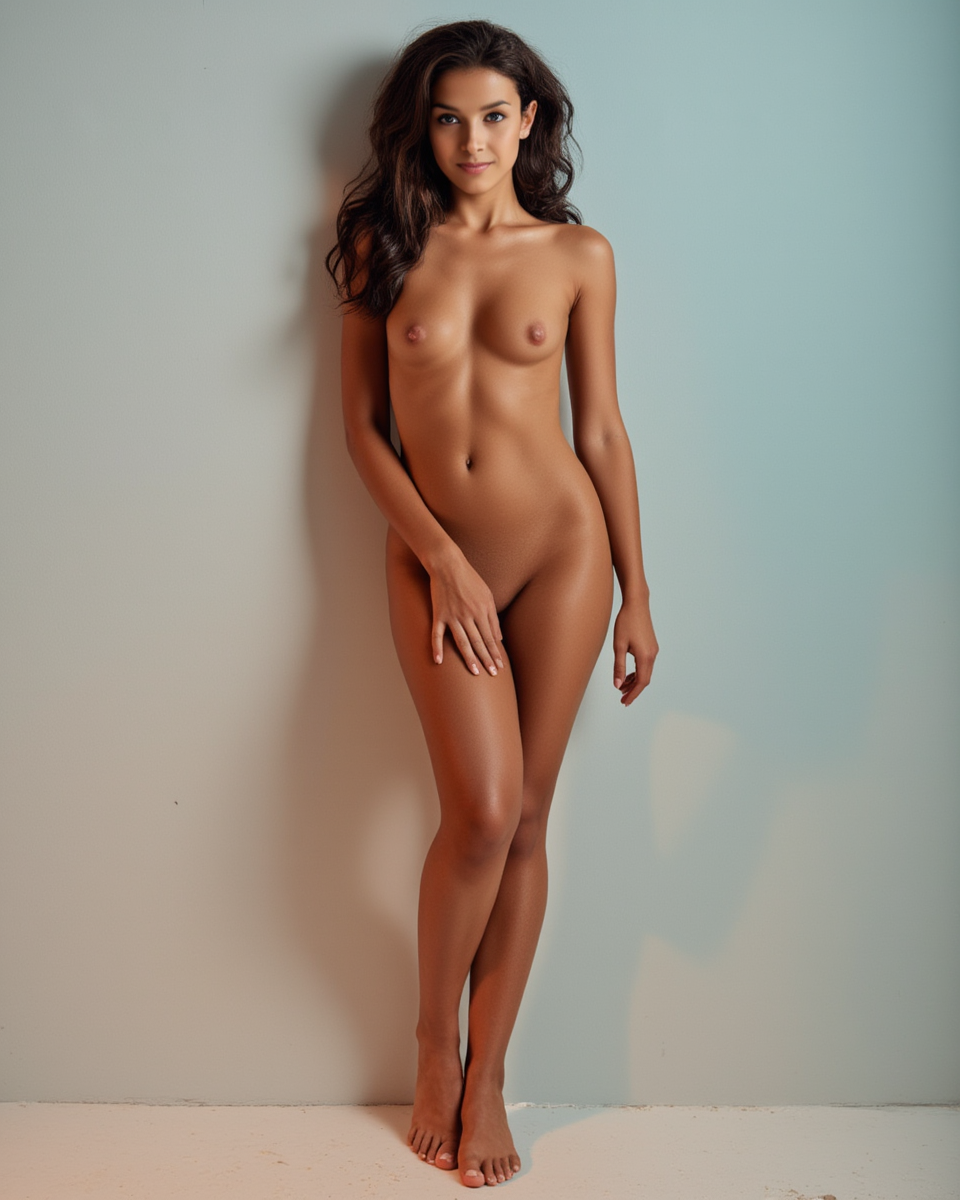
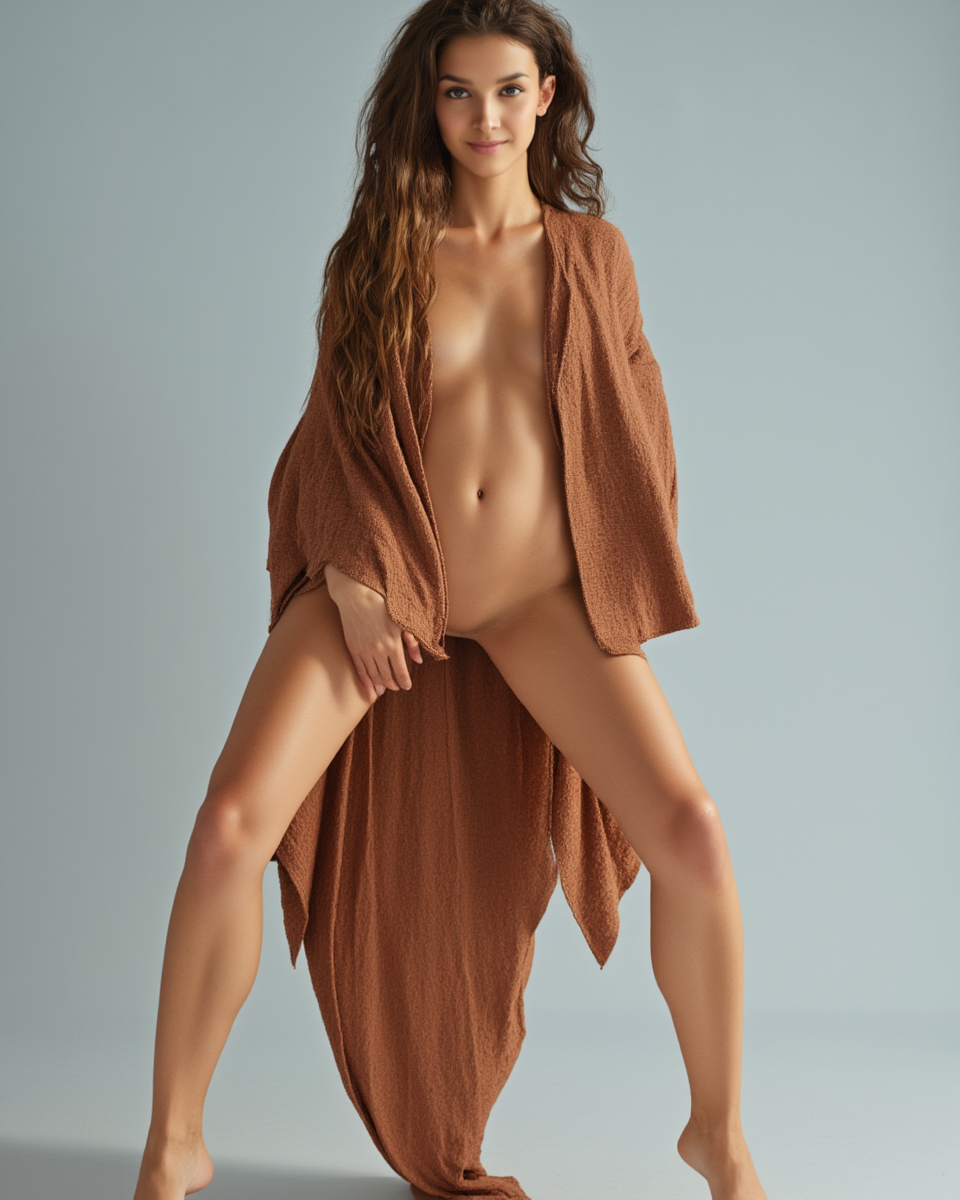
Here are some outputs from our advanced workflow, all generated from the same input photo with different prompts and settings:
Tips & Tricks
Prompt Engineering
Always include the LoRA trigger words. Structure your prompts like this:
ControlNet Strength Tuning
- 0.3 = loose guidance, more creative freedom
- 0.5 = balanced (recommended default)
- 0.7 = strict pose matching
PuLID Weight Tuning
- 0.7 = mild resemblance, more artistic freedom
- 0.85 = balanced
- 1.0 = maximum face preservation (default)
Denoise (Advanced Workflow)
- 0.75 = less transformation, keeps more of the original
- 0.85 = middle ground
- 0.90 = strong transformation (default)
- 0.95 = near-full regeneration
VRAM Requirements
- Simple workflow: ~12GB (fp8 model)
- Advanced workflow: ~16GB (fp8 + PuLID + ControlNet + InsightFace)
Troubleshooting
| Issue | Solution |
|-------|----------|
| Missing nodes error | Install via ComfyUI Manager or clone the GitHub repos manually |
| PuLID wrong face | Use a clear, front-facing input photo. Lower weight to 0.85 |
| ControlNet pose mismatch | Increase strength to 0.6–0.7. Make sure pose reference is clearly visible |
| VRAM out of memory | Use fp8 model. Lower OpenPose resolution to 512 |
| Corrupted/garbled output | Verify all model files are fully downloaded (check file sizes) |
Don't Want to Set This Up?
Skip the technical setup entirely. Try Musebox AI — we run these exact workflows in the cloud so you can generate images instantly without any local hardware.
- No GPU required
- No ComfyUI installation
- Same quality, zero setup
Credits
- Black Forest Labs — FLUX.1 Dev
- EnhanceAI — Flux Uncensored V2 LoRA
- Shakker Labs — ControlNet Union Pro 2.0
- guozinan — PuLID FLUX
- InsightFace — antelopev2
- lldacing, Kosinkadink, Fannovel16 — Custom Nodes