How to Build AI Video Pipelines: From 5-Second Clips to 30-Second Stories
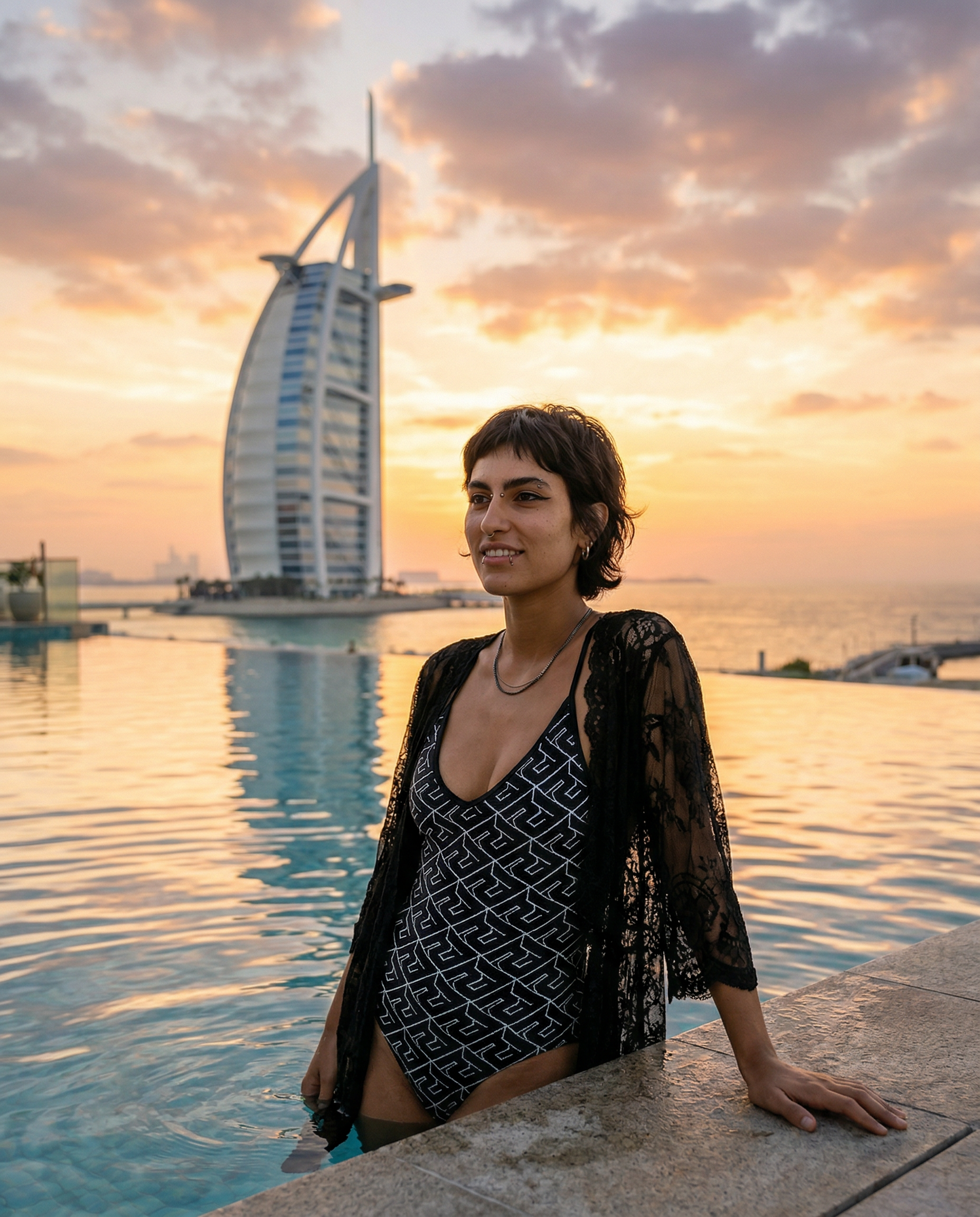
What if one 5-second AI clip isn't enough to tell your story? What if you need 30 seconds, 60 seconds, or even a full cinematic minute of continuous AI-generated video?
Welcome to the world of video pipelines — a structured approach to building long, story-driven AI videos by chaining together multiple generations, extends, and edits into a seamless narrative.
In this guide, we'll walk you through the exact workflow used by top AI creators to produce scroll-stopping content on Instagram Reels, TikTok, and YouTube Shorts.
What Is Video Extend?
Video Extend is a technique where you take the last frame of an existing AI-generated video and use it as the starting point for a new generation. This creates a seamless continuation of the scene — same character, same environment, same camera angle — but with new motion and action.
In Musebox, the pipeline works like this:
Each generation adds 5 seconds. Three generations = 15 seconds. Six generations = 30 seconds. The key is that each clip flows naturally from the previous one because they share the same final/first frame.
> Pro Tip: You can use Musebox's Kissing template (completely free!) as your first generation to test the workflow before spending credits.
Why One Generation Is Never Enough
Here's the truth most AI video tutorials won't tell you: a single 5-second clip is not content. It's a test.
Real content requires:
- A beginning that hooks the viewer
- A middle that builds tension or emotion
- An end that delivers a payoff
Think of every great Instagram Reel you've saved. It wasn't a random 5-second loop. It had a story arc — even if that arc was simple.
Planning your storyline before you start generating saves you time, credits, and frustration. Decide what happens in each 5-second segment before you hit generate.
Example Storyline: "Dubai Nights"
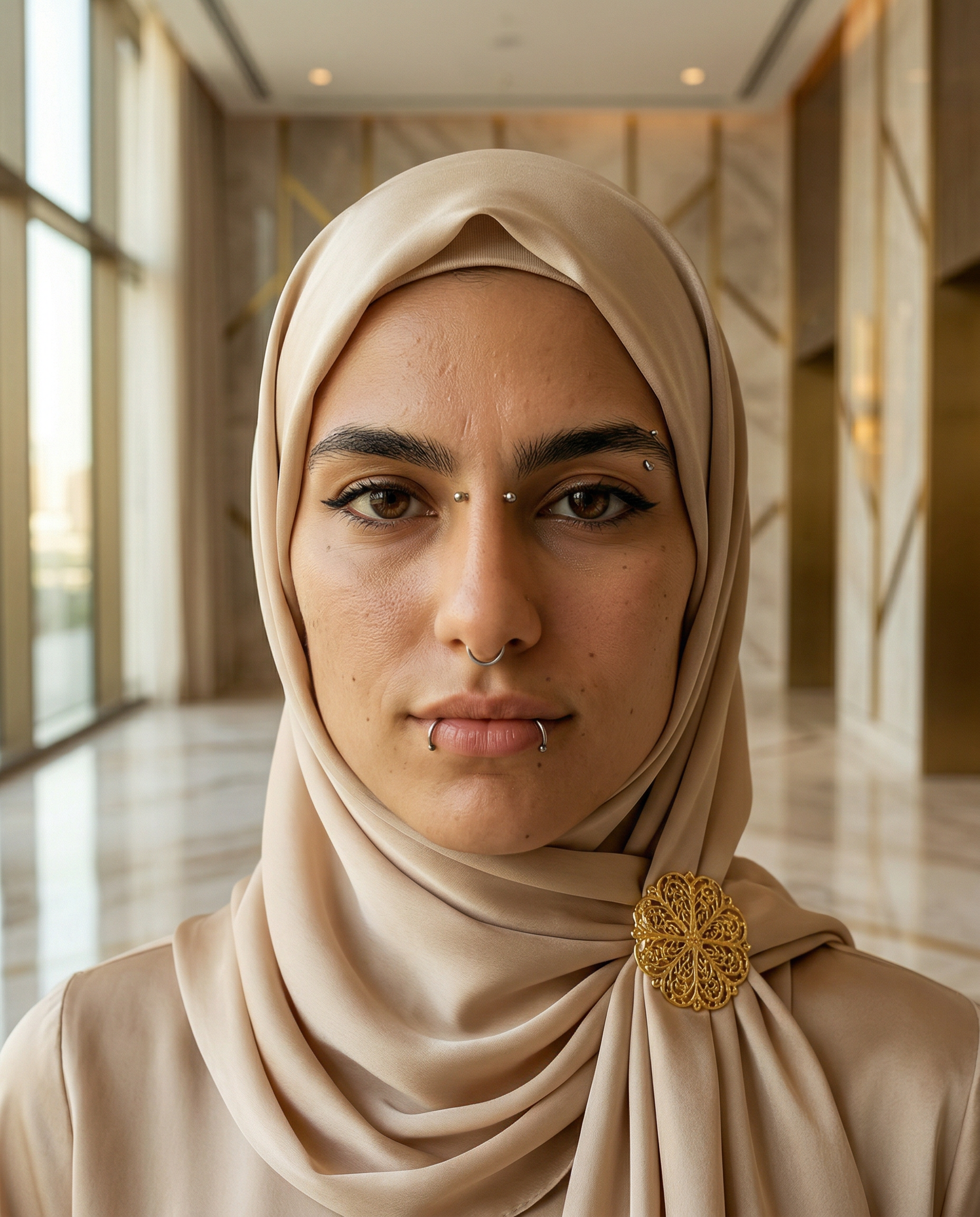
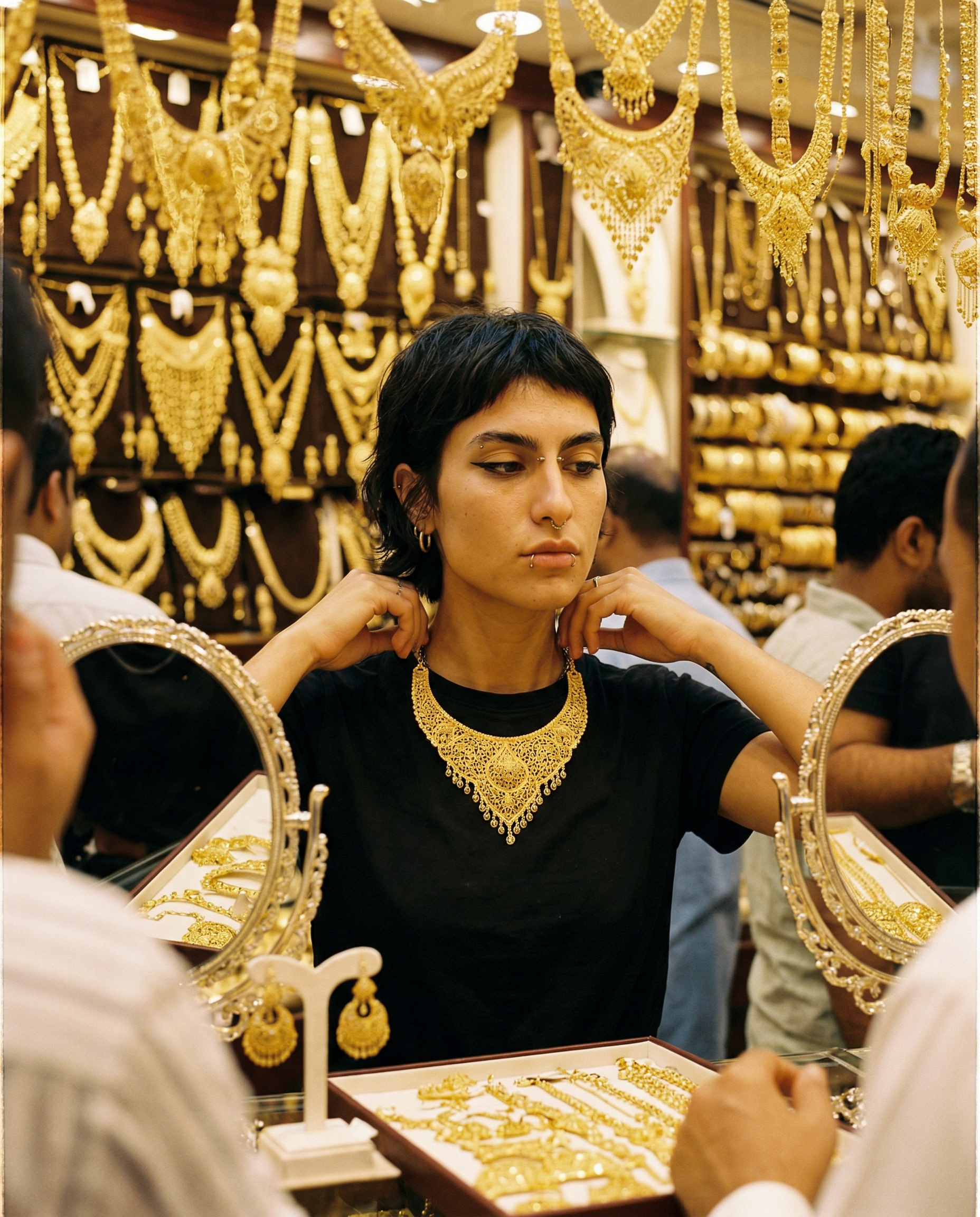
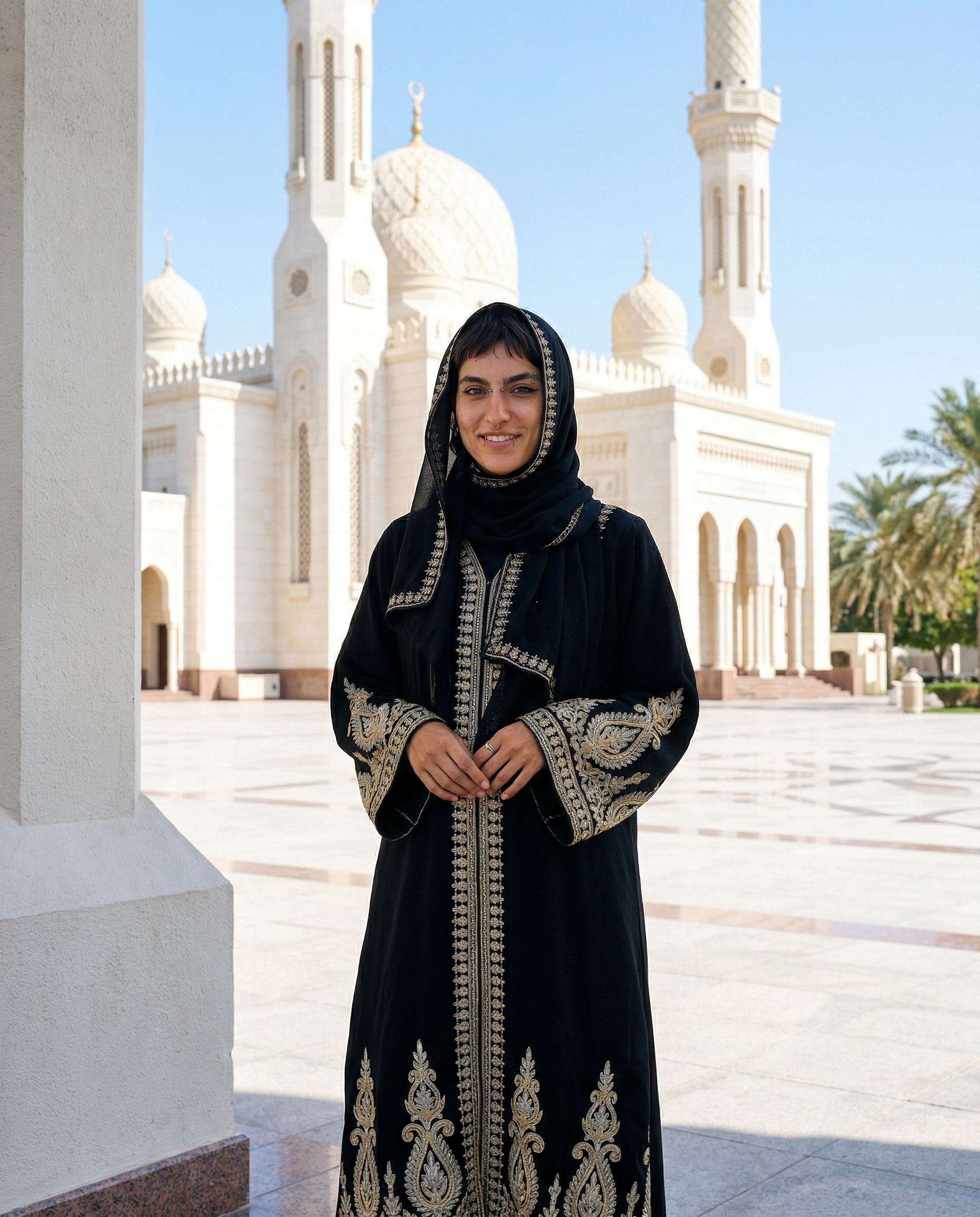
Let's build a real example. Here's a 30-second storyline broken into six 5-second segments:
| Segment | Scene | Duration | Starting Image |
|---------|-------|----------|----------------|
| 1 | The Arrival — mysterious figure walks through Dubai Gold Souk | 5s | Face photo |
| 2 | Discovery — she explores, golden light catches jewelry and silk | 5s | Last frame of Seg 1 |
| 3 | Sacred Moment — pause at Jumeirah Mosque, golden hour | 5s | Mosque photo |
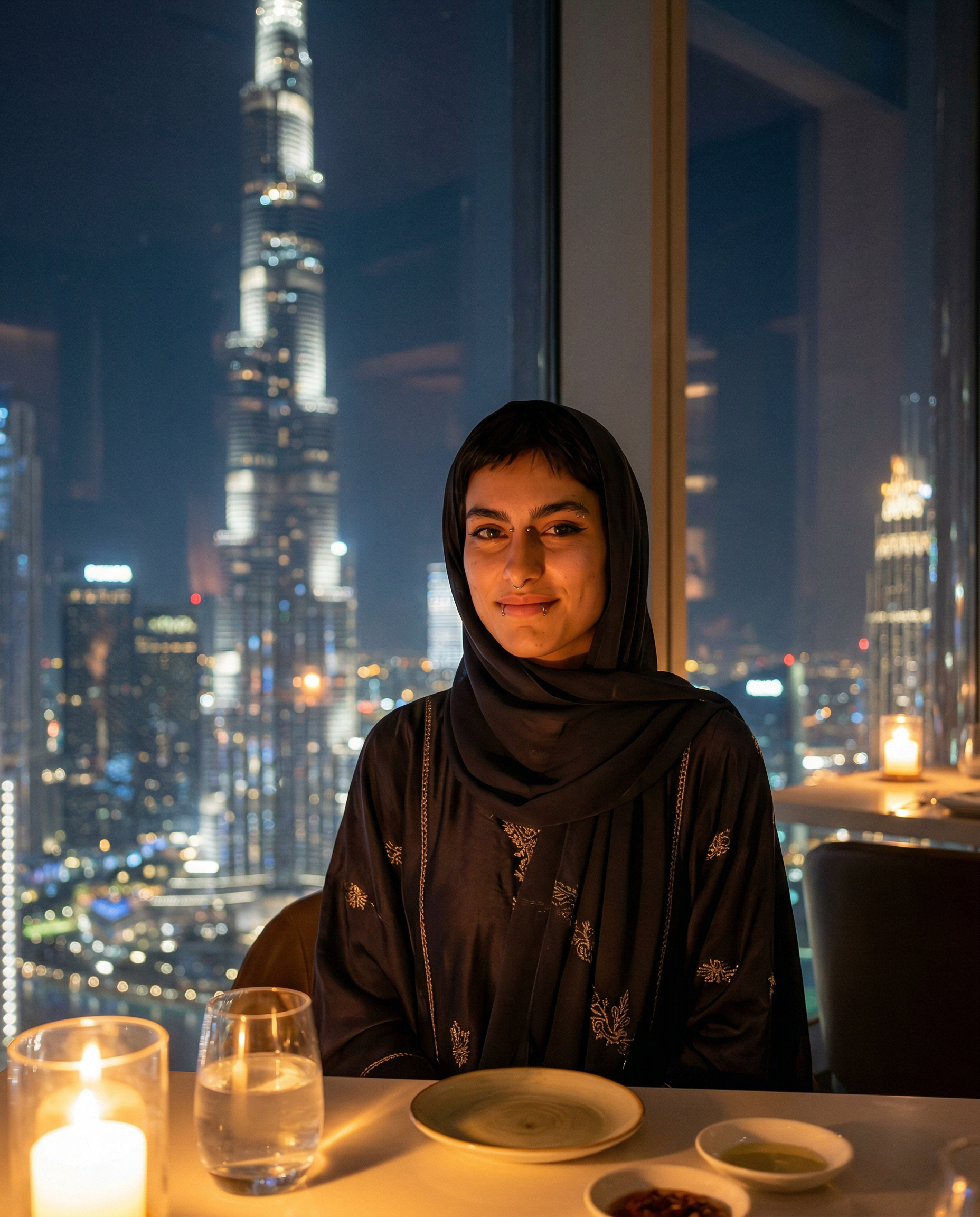
| 4 | The Ascent — elevator to rooftop, Burj Khalifa reveals in background | 5s | Last frame of Seg 3 |
| 5 | Luxury — infinity pool scene, city lights below | 5s | Pool photo |
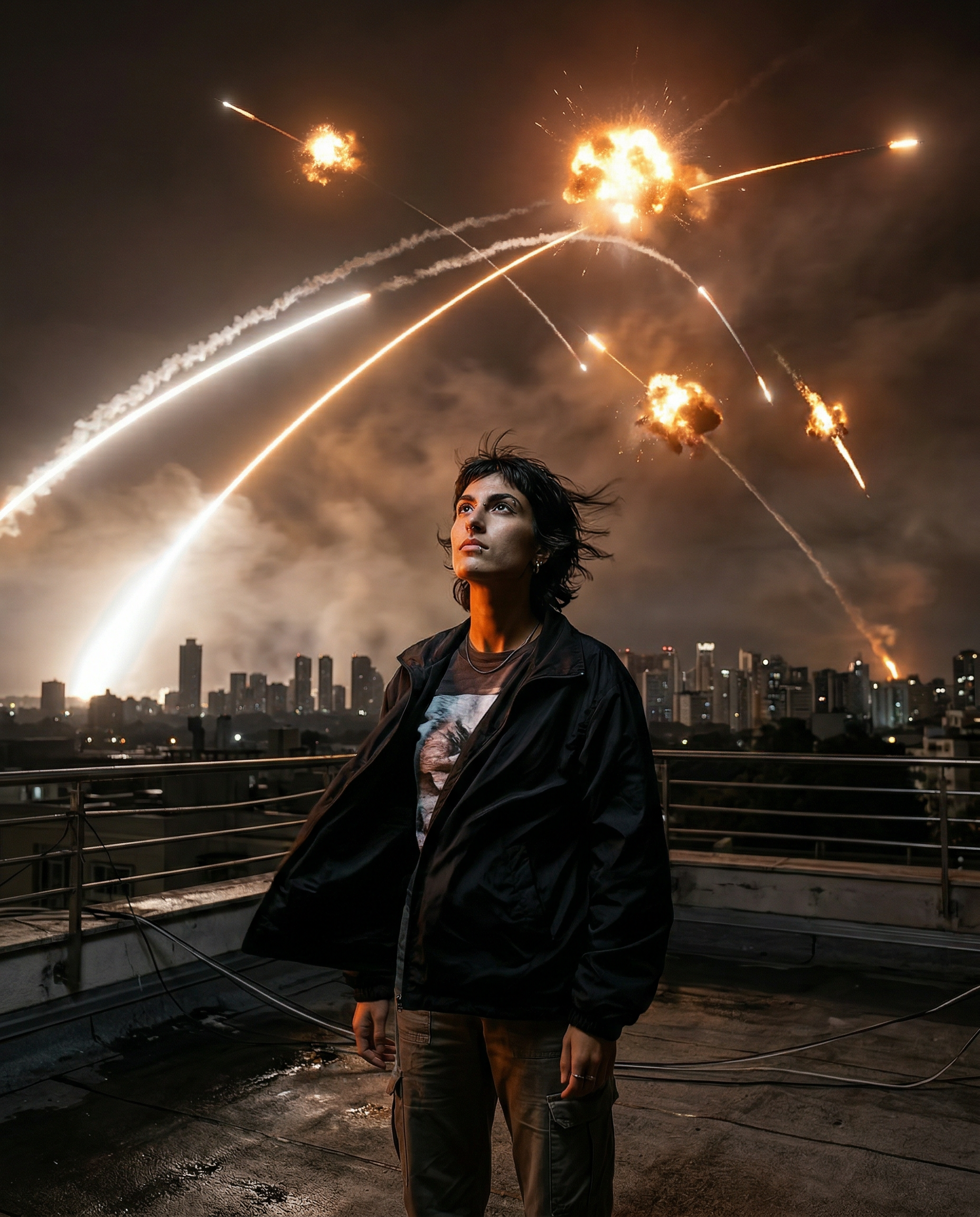
| 6 | The Finale — rooftop view, wind in hair, city at her feet | 5s | Last frame of Seg 5 |
Total: 30 seconds of continuous AI narrative.
Notice the structure: each segment has a purpose in the story. It's not random clips stitched together — it's a journey with emotional beats.
The Pipeline: Photo → Video → Extend
Here's the exact step-by-step process:
Step 1: Start With a Photo
Every great AI video begins with a single, high-quality image. This is your anchor frame — it defines the character's face, pose, lighting, and setting.
Best practices for your starting photo:
- High resolution (1024px+ on the short side)
- Clear face with good lighting
- A pose that implies motion (walking, turning, looking)
- An environment that tells a story
Step 2: Generate Your First Video
Upload your photo to Musebox and select a template. The AI will animate your still image into a 5-second video clip, adding natural motion, camera movement, and environmental dynamics.
Step 3: Extract the Last Frame
Once your video is generated, grab the final frame. This becomes the input for your next generation. Because the AI starts from where the previous clip ended, the transition is seamless.
Step 4: Extend
Feed the last frame back into Musebox as a new generation. Choose the same or a different template depending on what happens next in your storyline.
Step 5: Repeat
Keep extending until you've built your full narrative. Six cycles gives you 30 seconds. Twelve gives you a full minute.
Tools You'll Need for the Final Edit
Here's the reality: generating video segments is only half the job. You need editing tools to stitch clips together, add music, transitions, and export in the right format.
The good news? You don't need expensive software. Here are the best options at every budget:
Free Tools
| Tool | Platform | Best For | Limitations |
|------|----------|----------|-------------|
| CapCut | iOS, Android, Web | TikTok/Reels editing, auto-captions, transitions | Watermark on some features |
| Instagram Reels Editor | In-app | Quick cuts, music from IG library, effects | Limited timeline control |
| DaVinci Resolve | Desktop | Professional-grade color grading and editing | Steep learning curve |
Pro / API Tools
| Tool | Best For | Starting Price |
|------|----------|---------------|
| Kling AI | High-quality video extend (API) | ~$1.00 per 10s clip |
| fal.ai | 15-second native generations | ~$3.36 per 15s clip |
| Runway | Video-to-video transformation | $0.05/second |
| Pika | Stylized video effects | Free tier available |
What Each Tool Does Best
- CapCut — Your best friend for stitching AI clips together. Drag in your 5-second segments, add crossfade transitions (0.3s works perfectly), layer music, and export at 1080x1920.
- Instagram Reels Editor — Perfect if you're posting directly. Limited but fast.
- Kling AI API — When you need higher quality or longer native clips (up to 10s at 1080p). Use it alongside Musebox for variety.
- fal.ai — The only service offering native 15-second generation. Expensive but worth it for hero content.
Real Cost Breakdown
Let's calculate the cost of producing a 30-second AI video story:
Budget Option: Musebox Only
| Step | Cost |
|------|------|
| 6x template generations (5s each) | ~150 credits |
| Editing in CapCut | Free |
| Music from CapCut library | Free |
| Total | ~150 credits (~$15) |
Mid-Range: Musebox + Kling API
| Step | Cost |
|------|------|
| 3x Musebox templates (key scenes) | ~75 credits |
| 3x Kling API O1 extends (10s each) | ~$3.00 |
| CapCut stitching | Free |
| Total | ~$10-12 |
Premium: Full API Pipeline
| Step | Cost |
|------|------|
| 2x fal.ai O3 Pro (15s native) | ~$6.72 |
| CapCut transitions + music | Free |
| Total | ~$7 for 30s at max quality |
> The sweet spot for most creators? Start with Musebox for creative variety, then extend with Kling API for length. This gives you the best mix of creative control and cost efficiency.
Your First 30-Second Video: Start Here
Ready to build your first story? Here's our challenge to you:
Build a 30-second video from 6 generations.
Watch what's possible — here's a 30-second pipeline result:
👉 Watch the full example on YouTube
Recommended Template Chain
For a complete 30-second storyline with logical progression, here's our recommended template sequence:
| Order | Template | Credits | Scene Purpose |
|-------|----------|---------|---------------|
| 1 | Kissing | FREE | Opening — romantic tension, first contact |
| 2 | Licking | 25 | Escalation — building intensity |
| 3 | Oral | 25 | Development — deepening the story |
| 4 | Missionary | 25 | The turn — full scene transition |
| 5 | Riding | 25 | Climax — peak energy and motion |
| 6 | Doggy Style | 25 | Finale — powerful closing scene |
Total: 125 credits for a full 30-second narrative (first scene is free!)
> Pro Tip: Start with Kissing (free) to test the vibe. If you love the result, invest credits in the full chain. The first scene sets the tone for everything that follows.
Start Building Your Video Pipeline
The era of single-clip AI video is over. The creators who are winning on Instagram and TikTok right now aren't posting random 5-second generations — they're building stories.
And now you know exactly how to do it.
Your next step: Open Musebox, upload your best photo, and generate your first scene. Then extend it. Then extend it again. Before you know it, you'll have a 30-second video that looks like it took a professional team to produce.
The pipeline is simple. The results are extraordinary.