4 AI Video Generation Modes You Didn't Know Existed — Motion Control, Shot Segmentation & More
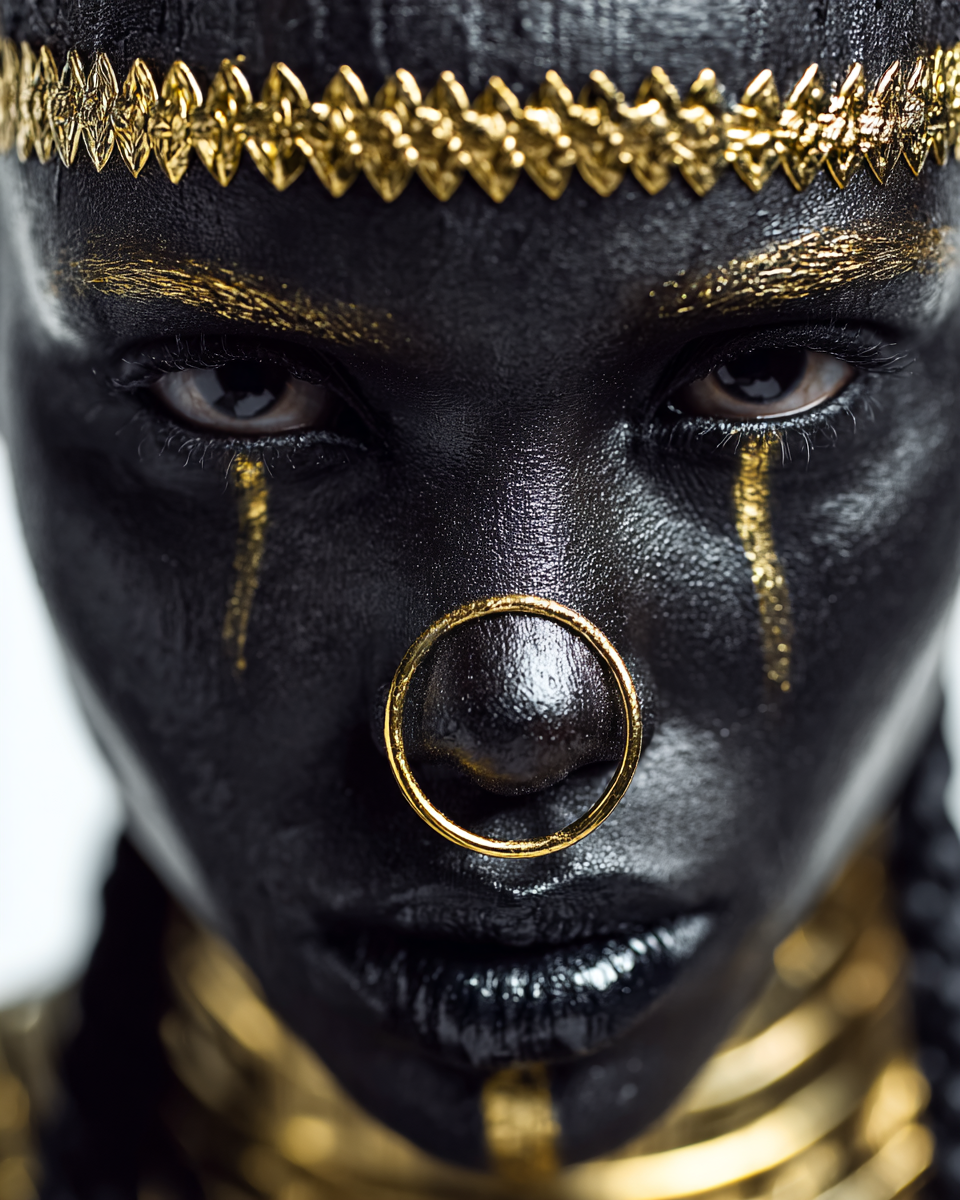
Most people think AI video generation starts and ends with "type a prompt, get a video." That's version 1.0.
\
In 2026, the tools have evolved far beyond that. There are now four distinct generation modes that give creators unprecedented control over AI video — and most people have never even tried them.
Here's a breakdown of each mode, what it does, and how to use it.
1. Motion Control — Copy Any Movement
Status: HOT
This is the feature that's changing everything.
How it works:
Think of it as deepfake technology, but for movement instead of faces. The source video provides the choreography. Your model provides the look. The AI merges them seamlessly.
Why creators love it:
- Recreate trending TikTok dances with your AI model
- Copy a professional model's walk for fashion content
- Match gestures from interviews or presentations
- Create consistent character movement across multiple videos
Example prompt:
> "Cinematic shot of a young woman in a leather jacket walking through neon-lit Tokyo streets at night, shallow depth of field, rain reflections on pavement"
Combined with a walking reference video, this produces a hyper-realistic clip where your model walks with the exact gait and timing of the original footage.
Pro tip: The cleaner your reference video (good lighting, minimal background clutter), the better the motion transfer.
2. Smart Shot Segmentation
Status: NEW
This turns AI video generation into something closer to actual video editing.
What it does:
AI analyzes your video and automatically splits it into logical segments — scene changes, camera angle shifts, movement breaks. Then you can:
- Edit each segment individually — change the prompt, style, or mood
- Regenerate specific parts — don't like second 3-5? Regenerate just that section
- Delete segments — remove awkward transitions or filler
- Reorder segments — rearrange the story flow
Why this matters:
Before this, if you didn't like 2 seconds in the middle of a 10-second clip, you had to regenerate the entire thing. Now you can fix just the part that needs work.
Real workflow:
This is essentially non-linear editing built directly into the generation pipeline. No After Effects needed.
3. Instruction Transformation
Status: GAME-CHANGER
This is the video equivalent of image-to-image (img2img).
How it works:
Examples:
| Original | Instruction | Result |
|----------|-------------|--------|
| Person walking in daytime | "Make it nighttime with neon lights" | Same walk, nighttime neon aesthetic |
| Model in casual clothes | "Change outfit to elegant black dress" | Same movement, new wardrobe |
| Indoor scene | "Move the scene to a beach at sunset" | Same action, completely new environment |
| Normal footage | "Add cinematic color grading and film grain" | Same video, professional post-production look |
The key difference: You're not generating from scratch. You're modifying existing footage. The structure, timing, and movement stay intact. Only the specified elements change.
This is huge for:
- Repurposing content — one shoot, infinite variations
- Style transfer — apply any aesthetic to existing footage
- Quick fixes — change one detail without regenerating everything
- A/B testing — same content, different vibes, see what performs
4. Video Reference + Creative Effects
Two powerful features that work great independently — and even better together.
Video Reference
Upload a video as a stylistic reference. The AI doesn't copy the movement (that's Motion Control). Instead, it captures the:
- Visual style — color palette, lighting, contrast
- Rhythm and pacing — cut timing, speed changes
- Atmosphere — mood, energy, vibe
Then generates a completely new video with your model, matching that style.
Use case: You see a stunning music video with a specific color grade and pacing. Upload it as reference + your model photo → get a new video with the same cinematic feel.
Creative Effects
Pre-built visual effect presets you can apply during generation:
| Effect | What It Does |
|--------|--------------|
| Fire & Flames | Dynamic fire particles around the subject |
| Water & Rain | Underwater effects, rain, water droplets |
| Particle Systems | Floating particles, dust, sparkles, embers |
| Anime Style | Transform to Japanese animation aesthetic |
| Oil Painting | Classic painting style with visible brushstrokes |
| Cyberpunk | Neon overlays, holographic elements, glitch effects |
| Vintage Film | 8mm grain, light leaks, muted colors |
| Slow Motion | AI-interpolated slow-mo with ultra-smooth frames |
Combined Example
Here's a video generated using Video Reference (cinematic street fashion style) combined with Creative Effects (subtle particle system + cinematic color grade):
Prompt used:
> "Fashion model walking through misty city streets at golden hour, cinematic slow motion, shallow depth of field, warm amber lighting, floating dust particles in backlight, editorial fashion photography style"
Which Mode Should You Use?
| Your Goal | Best Mode |
|-----------|-----------|
| Recreate a specific dance/movement | Motion Control |
| Fine-tune parts of a generated video | Smart Shot Segmentation |
| Transform existing footage | Instruction Transformation |
| Match a visual style/aesthetic | Video Reference |
| Add visual flair and effects | Creative Effects |
| Create from scratch with a prompt | Standard text-to-video |
The Bigger Picture
AI video generation is no longer just "prompt in, video out." It's becoming a full creative suite — with editing, transformation, style transfer, and effect layers all built into the generation process.
The creators who understand these modes have a massive advantage. While everyone else is stuck in basic text-to-video, you can:
- Copy trending movements onto your characters
- Edit AI videos frame-by-frame
- Transform real footage into any style
- Apply cinematic effects in one click
This is the new standard for AI content creation.
Try these generation modes on Musebox — start creating for free →
Follow us for daily AI-generated content:
- Instagram: @museboxai
- TikTok: @museboxai
- Threads: @musebox_ai
- X: @MuseboxAi
Stay Connected
Follow us for daily AI generation tips, tutorials, and creative inspiration: