AI Video Generation for Reels: We Tested 4 Services So You Don't Have To
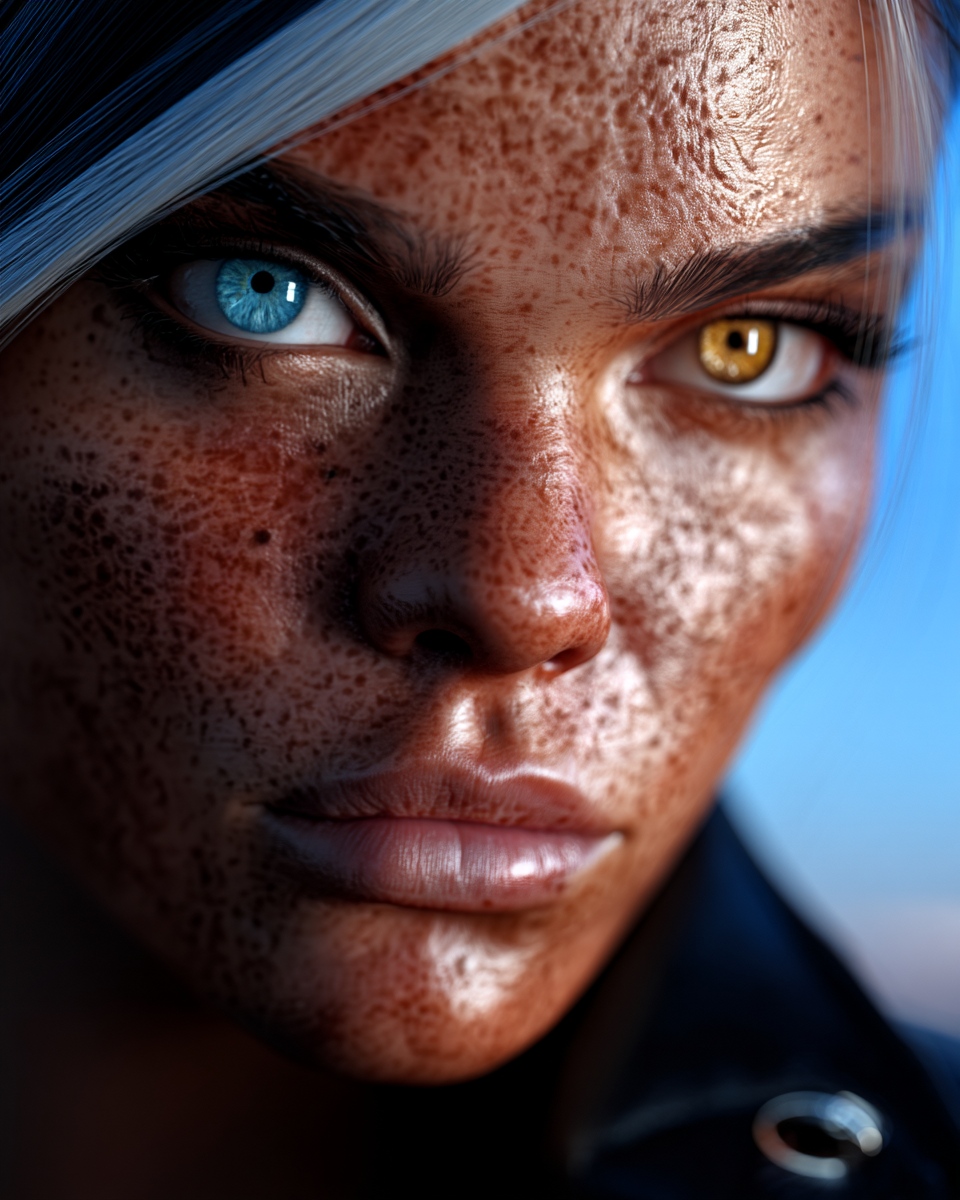
Building an AI Instagram model means generating not just photos, but video content — Reels, Stories, TikToks. We tested every major AI video generation service to find the best option for our character Kira. Here are the real results, with actual video examples you can watch.
The Test
Same character, same prompts, four different services. The goal: generate 9:16 vertical video (10-15 seconds) with consistent face identity — exactly what you need for Instagram Reels.
1. Kling AI API — The Best Value
Model: O1 omni-video | Duration: 10s | Resolution: 1080x1920 | Cost: ~$1.00
Street fashion scene — generated via Kling API with character lock (4 reference photos)
Kling AI's O1 model delivers the best bang for your buck. Full 1080p resolution, character lock using up to 7 reference photos, and generation takes just 1-3 minutes. The face stays consistent, movements look natural, and the quality is Instagram-ready out of the box.
The catch: maximum 10 seconds per clip. For a 15-second Reel, you'd need to stitch two clips together.
2. fal.ai O3 Pro — When You Need 15 Seconds
Model: O3 Pro reference-to-video | Duration: 15s | Resolution: 1292x1604 | Cost: ~$3.36
DJ rave scene — 15 seconds of continuous motion via fal.ai
fal.ai gives you access to the latest Kling O3 Pro model with native 15-second generation. The quality is excellent and character consistency works through their "elements" system (frontal photo + references).
The catch: $3.36 per video (3x more than Kling direct), and generation takes ~15 minutes. The resolution comes out at 1292x1604 instead of clean 1080x1920 — not a dealbreaker, but something to know.
3. Musebox (Self-Hosted Wan 2.2) — The Budget Option
Model: Wan 2.2 I2V | Duration: 5s | Resolution: 416x720 | Cost: Free (self-hosted)
Same character through our self-hosted pipeline — lower resolution but free
Our own Wan 2.2 Image-to-Video pipeline runs on dedicated GPU servers. It's fast (~2 min) and free, but the quality gap is visible: 416x720 resolution (not even full 720p), only 5 seconds, and no multi-photo character lock.
The verdict: Great for experimentation and previews, not ready for Instagram Reels. We use it for quick tests before spending money on Kling.
4. Dreamina (Free Tier) — The Hidden Gem
Model: Seedance 1.5 Pro | Duration: 10s | Resolution: 1080x1920 | Cost: Free
Dreamina gives you 60 free credits per day — enough for 10-15 videos. Quality is solid (it runs Seedance 1.5 Pro, also known as Video 3.5 Pro). Full 1080p, decent character consistency.
The catch: No API access. Everything is manual through the browser. Fine for testing, impossible to automate.
Price Comparison: 100 Videos Per Month
| Service | Model | Per Video | 100 Videos/mo | Character Lock |
|---------|-------|-----------|---------------|----------------|
| Kling API | O1 omni-video | $1.00 | $100 | 7 photos |
| fal.ai | O3 Pro (10s) | $2.24 | $224 | Elements |
| fal.ai | O3 Pro (15s) | $3.36 | $336 | Elements |
| Dreamina | Seedance 1.5 | Free | $0 | Partial |
| Musebox | Wan 2.2 | Free | $0 | Single photo |
Our Recommendation
Start with Dreamina (free) to test your content ideas and find what works. When you're ready to scale:
The AI video space moves fast — Seedance 2.0 might come back, new models appear every month. But right now, this stack works.
Prompt Tips for Better Videos
What works:
<<(Kling) />> @Element1(fal.ai) — reference your character- "visible skin pores and natural texture" — removes the AI plastic look
- Specific actions: "she glances to the side", "tucks hair behind ear"
- Camera movement: "tracking shot", "85mm lens with bokeh"
What doesn't:
- "smooth natural movement" — actually slows everything down
- More than 2 actions per 5 seconds — AI can't keep up
- Abstract crowd descriptions — result in uncanny bystanders
Ready to generate AI video content?
- Browse our video templates — one-click generation from any photo
- Read our Guide for prompt tips and best practices
Follow us for daily AI-generated content:
- Instagram: @museboxai
- TikTok: @museboxai
- Threads: @musebox_ai
- X: @MuseboxAi
Start creating on Musebox for free →
Stay Connected
Follow us for daily AI generation tips, tutorials, and creative inspiration: