I Built a Telegram Bot That Creates Entire Photo Datasets in Minutes — Here's What I Learned
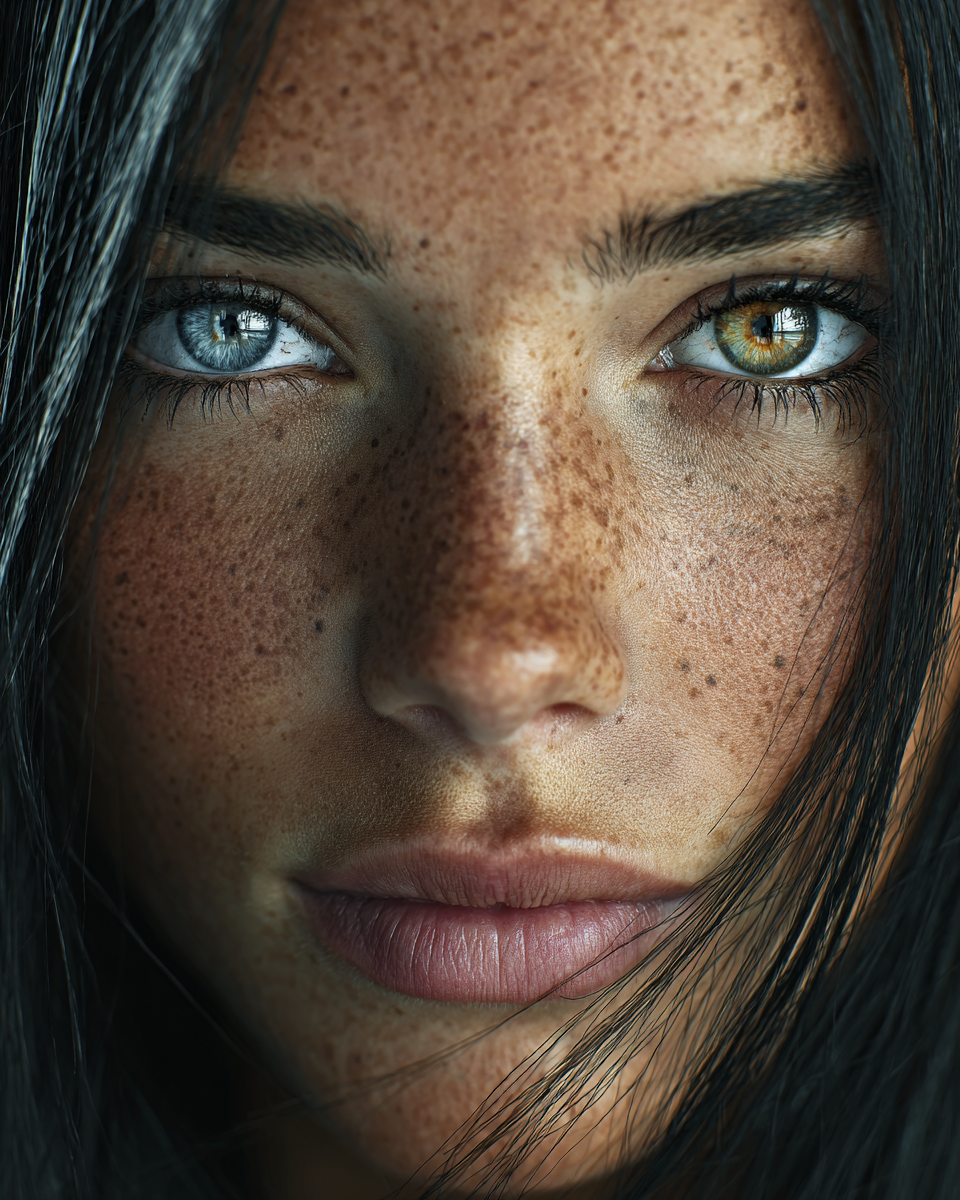
You've probably seen AI-generated photos flooding Instagram and TikTok. Perfect lighting, consistent characters, viral aesthetics. But here's the thing most people don't realize: the creators behind these accounts aren't sitting there manually generating each image. They've automated the entire pipeline.
I know because I built one.
The Problem: Manual Generation Doesn't Scale
When I first started creating AI content for social media, my workflow looked like this:
For one photo, that's fine. For 25-50 photos with a consistent character? That's an entire afternoon. And if you want to stay on top of trending aesthetics? Forget it.
I needed something that could:
- Generate entire photo datasets (25-50 images) in one session
- Keep the same face across all photos (identity locking)
- Automatically track trending styles from platforms like Instagram and TikTok
- Handle video generation for Reels/TikToks
- Run on autopilot with minimal human input
The Solution: A Telegram Bot + OpenClaw
I built a content generation bot that runs inside Telegram. Here's why Telegram:
- No web hosting needed — the bot IS the interface
- Mobile-first — generate content from your phone, anywhere
- Push notifications — know the moment your content is ready
- File delivery built-in — photos and videos arrive right in chat
The bot connects to Google Gemini for photo generation and Kling AI for video. But the real magic is OpenClaw — an open-source automation platform that handles everything around the generation:
What OpenClaw Does
- Daily Trend Scanning — Scrapes HuggingFace, CivitAI, Reddit, and Google Trends every morning
- Smart Scheduling — Automatically queues generation tasks based on your content calendar
- Multi-Channel Delivery — Not just Telegram. Discord, Slack, Email — 50+ services
- Admin Alerting — Real-time notifications when generations complete, fail, or need attention
- Auto-Recovery — Restarts failed jobs, retries API calls, monitors health
How It Actually Works
Here's a typical session:
Step 1: Pick a Style
The bot offers 20+ curated style presets:
| Style | Vibe |
|-------|------|
| Dark Editorial | Moody, cinematic, leather & neon |
| Clean Girl | Minimal, soft tones, natural light |
| Street / Y2K | Urban streetwear, retro 2000s flash |
| Ethereal / Dreamy | Soft focus, romantic, fantasy |
| Baddie / Glam | Bold makeup, confidence, luxury |
Or you can browse the daily trending feed — AI-curated styles based on what's actually going viral right now.
Step 2: Upload Your Face
One front-facing portrait. The bot uses identity locking to maintain your facial features across all generated photos.
Step 3: Choose Quantity
- 5 photos → ~3-5 minutes
- 10 photos → ~7-10 minutes
- 25 photos → ~15-20 minutes
- 50 photos → ~35-40 minutes
Step 4: Receive Your Dataset
Photos arrive in batches of 5, full-quality PNG. Ready for posting.
Video Generation: One-Click Reels
Same concept, but for video. Upload 1-4 reference photos, pick a style:
- Cafe Walk — European street, golden hour
- Club / DJ Set — Nightclub booth, neon lasers
- Street Fashion — Urban city walk
- Rooftop Evening — Bar setting, city skyline
- Beach Sunset — Walking on beach
You get a 10-second video with your face preserved. Perfect for Reels, TikToks, or Shorts.
Aspect ratios: 9:16 (Reels), 16:9 (YouTube), 1:1 (Square).
The Daily Trending Feed
This is my favorite feature. Every morning, the system:
- Style name & description
- Visual keywords for prompts
- Reference Instagram/TikTok accounts
- Relevant hashtags
- Platform recommendations
So when you open the bot, you're always working with what's trending today, not last month.
What Does It Cost to Run?
Here's the breakdown that surprised me:
| Component | Cost |
|-----------|------|
| VPS (DigitalOcean) | $10/month |
| Photo generation (Flash) | $0.04/image |
| Photo generation (Pro) | $0.13/image |
| Video generation (Standard) | $0.84/video |
| Video generation (Pro) | $1.12/video |
| Trend analysis (Claude) | ~$0.03/day |
| Telegram API | Free |
Real-world example:
- 25 photos/day (Flash model): $1/day
- 2 videos/week (Standard): $1.68/week
- Monthly total: ~$42/month (including hosting)
That's less than one month of most AI subscription services. And you own the entire pipeline.
Monitoring & Alerting
Everything is monitored in real-time:
- Generation started → Telegram notification
- Generation complete → Files delivered + admin alert
- Something failed → Instant error notification with details
- Queue status → Real-time position tracking
- API health → Automatic monitoring of Gemini, Kling, and Claude APIs
No more checking dashboards. If something breaks, you know within seconds.
Key Takeaways
What's Next
I'm currently working on:
- Automated posting — Schedule and publish directly to Instagram/TikTok
- A/B testing — Generate multiple versions, track which performs better
- Batch processing — Queue entire weeks of content in one session
- Analytics dashboard — Per-post engagement tracking
The goal is simple: spend less time generating, more time growing.
Want to see the results? We post AI-generated content daily:
- Instagram: @museboxai
- TikTok: @museboxai
- Threads: @musebox_ai
- X (Twitter): @MuseboxAi
Musebox uses the same AI generation technology described in this article. Try it free →
Stay Connected
Follow us for daily AI generation tips, tutorials, and creative inspiration: