26 Photos in 2 Hours: How Midjourney V7 Creates a Character
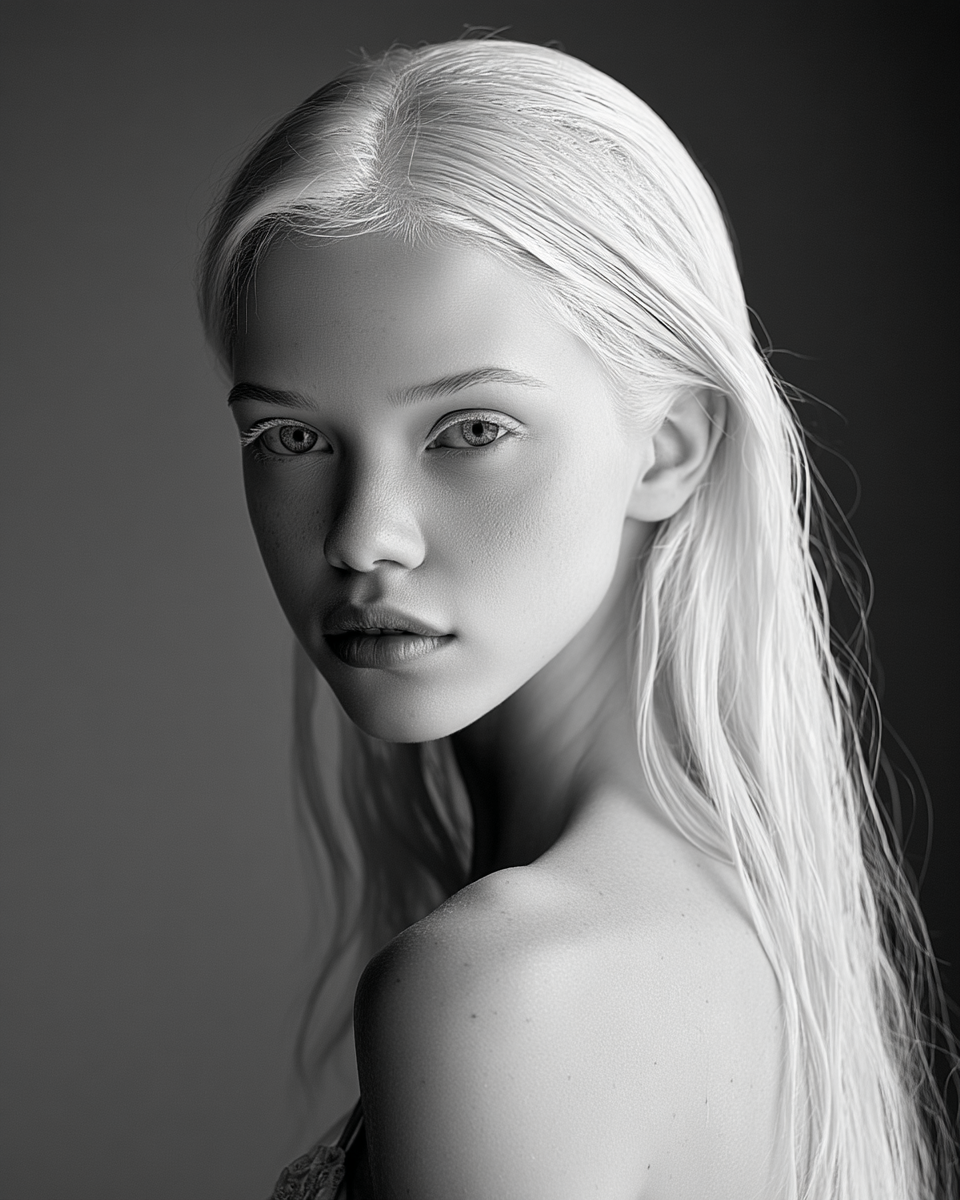
Midjourney V7 with personalization is the most powerful tool for creating a consistent AI character. V7's face consistency between generations is an order of magnitude better than V6 — the same person actually looks like the same person across wildly different scenes.
The Process
Start with one anchor photo (close-up face shot), then generate everything else using Omni Reference (--oref) to lock the character's identity. Every new photo references the anchor, so the face stays consistent across all content categories.
10 Content Categories
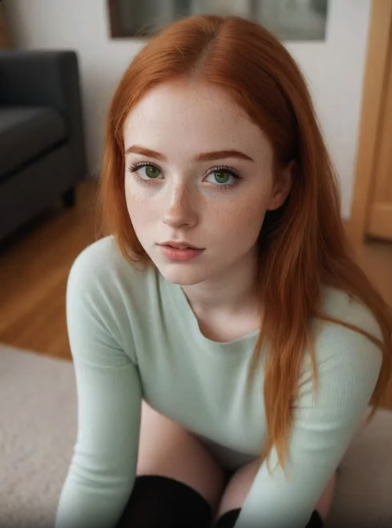
We built a dataset covering every type of Instagram post:
Each category gets 2-3 photos at different angles and compositions.
Key Tips
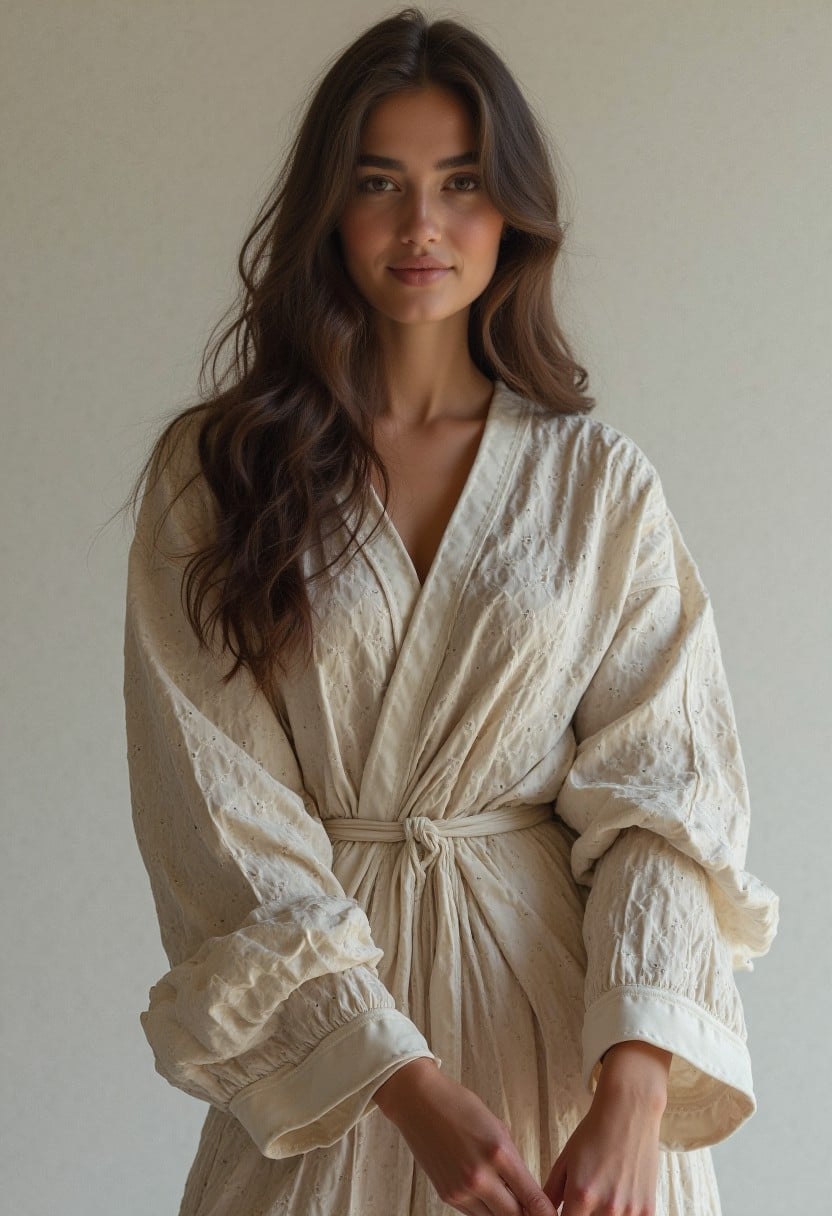
- Use
--ar 4:5for feed posts (Instagram's preferred ratio) - Use
--ar 9:16for Stories and Reels - Always convert PNG to JPEG before uploading — Instagram doesn't support PNG well
- Keep your anchor photo simple: neutral background, clear face, front-facing
> Pro tip: The same approach works for AI video generation. Start with consistent photos, then animate them. Check our Guide for tips on getting the best results from AI templates.
The Result
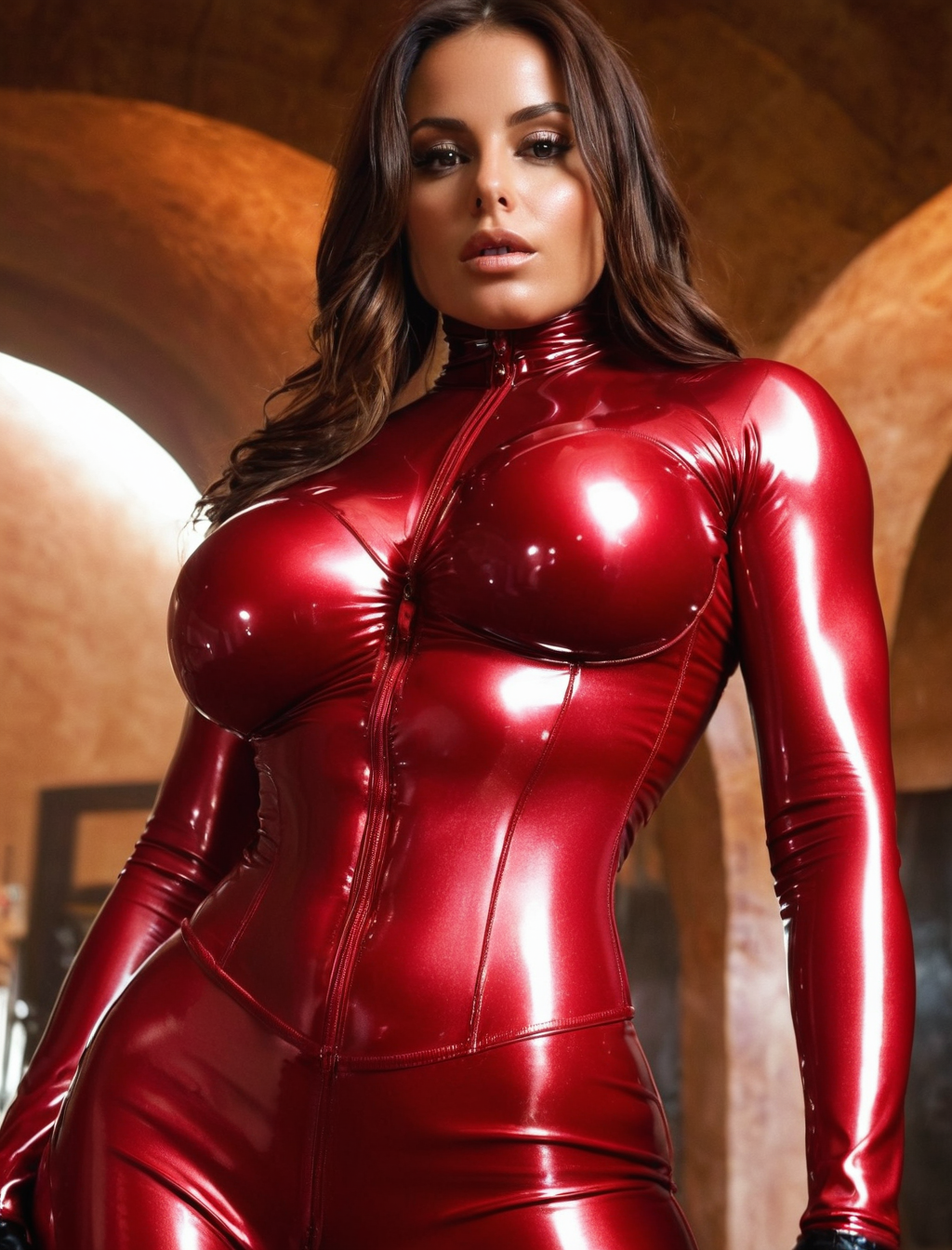
26 unique photos with the same face. A complete character dataset, ready in 2 hours. From zero to a fully realized AI persona.
The templates on Musebox use similar identity-preservation technology — upload your image once, and every template maintains consistency across different styles and scenes.
Want to create your own AI content?
- Explore our template collection — each one designed for specific content styles
- Read the Getting Started Guide for best practices
Follow us for daily AI-generated content:
- Instagram: @museboxai
- TikTok: @museboxai
- Threads: @musebox_ai
- X: @MuseboxAi
Start creating on Musebox for free →
Stay Connected
Follow us for daily AI generation tips, tutorials, and creative inspiration: